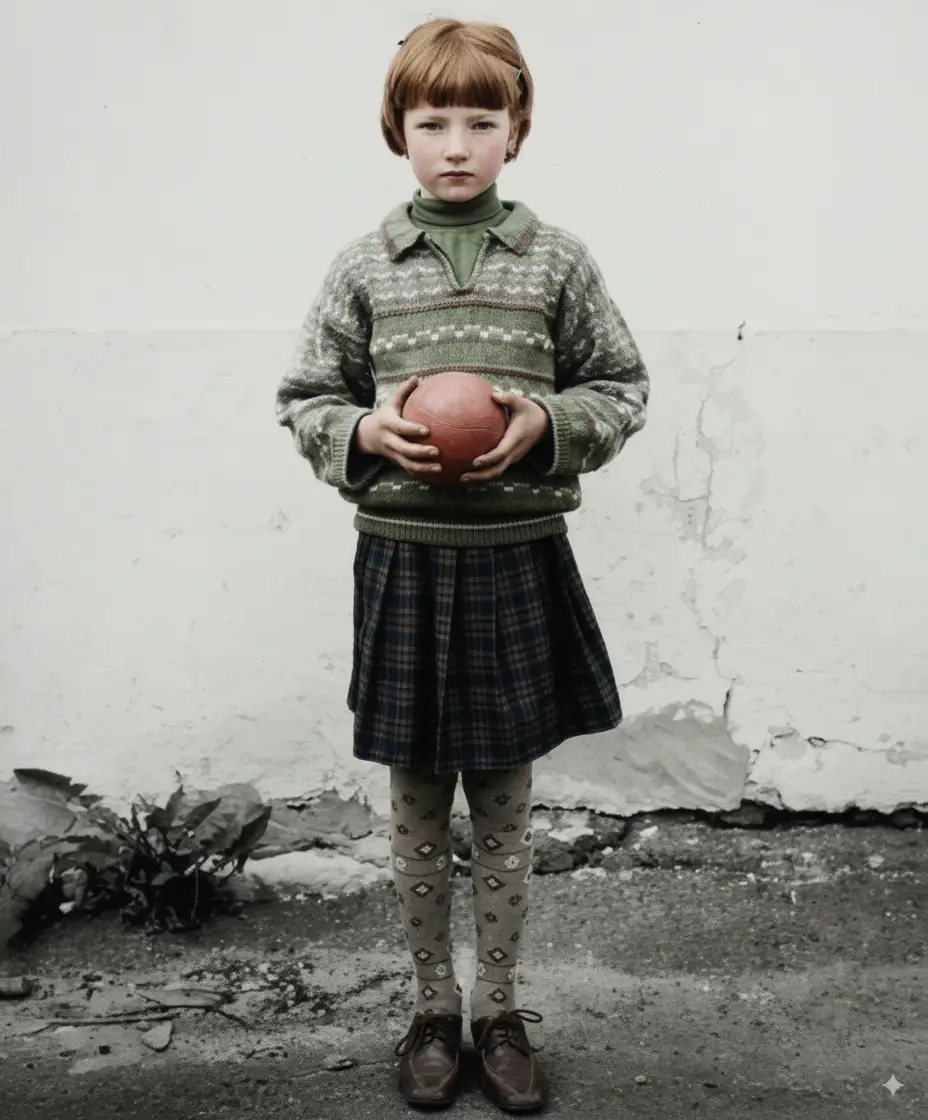
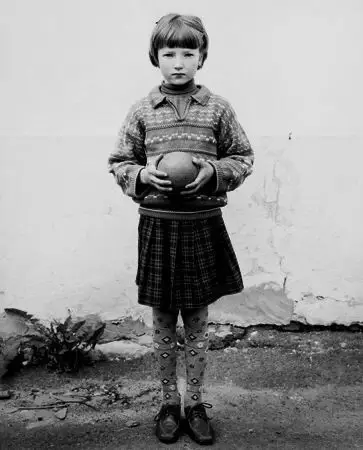
Young girl with ball black and white photo restoration example
Contrast and scratch recovery
Repair faded, scratched, stained, and torn black and white photos in seconds. Our AI restores tonal range, facial detail, and natural contrast while keeping the original monochrome character intact.
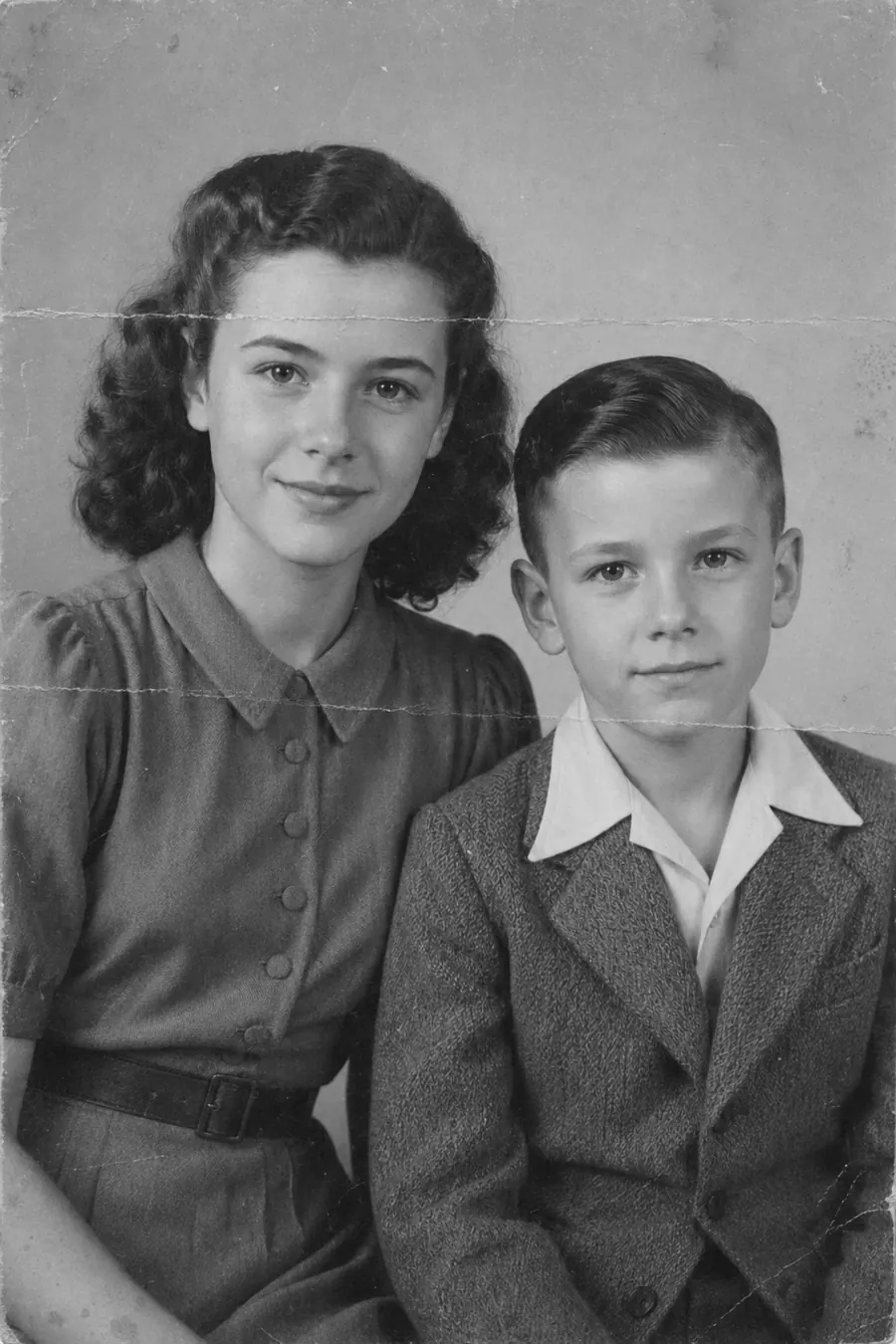
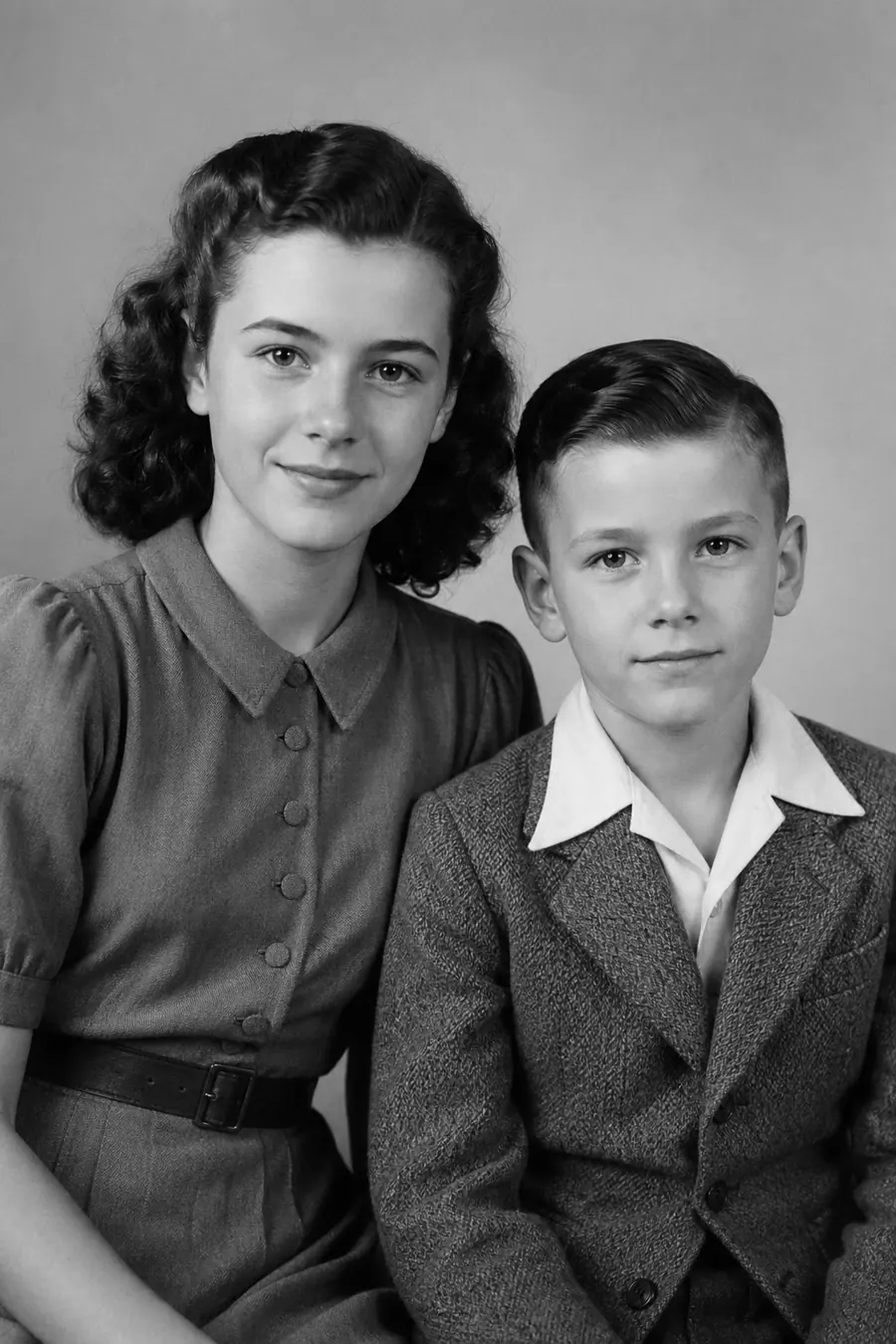
Supports JPG/JPEG, PNG, WebP, TIFF files up 20MB
See the magic of our Old Photo Restoration service with these stunning before and after photo restoration transformations.
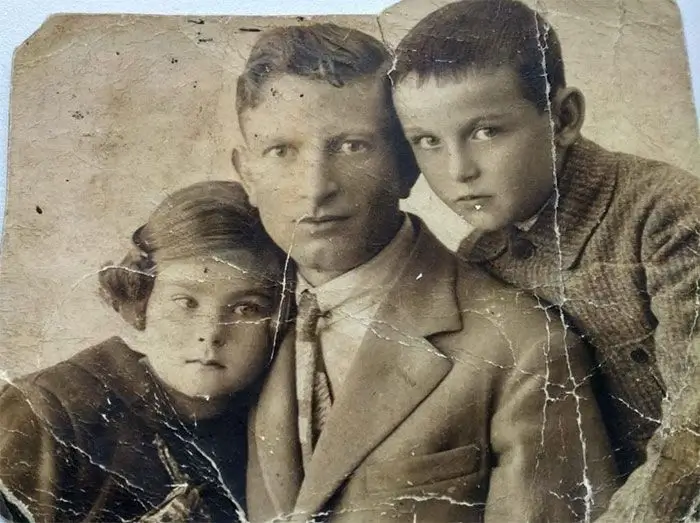
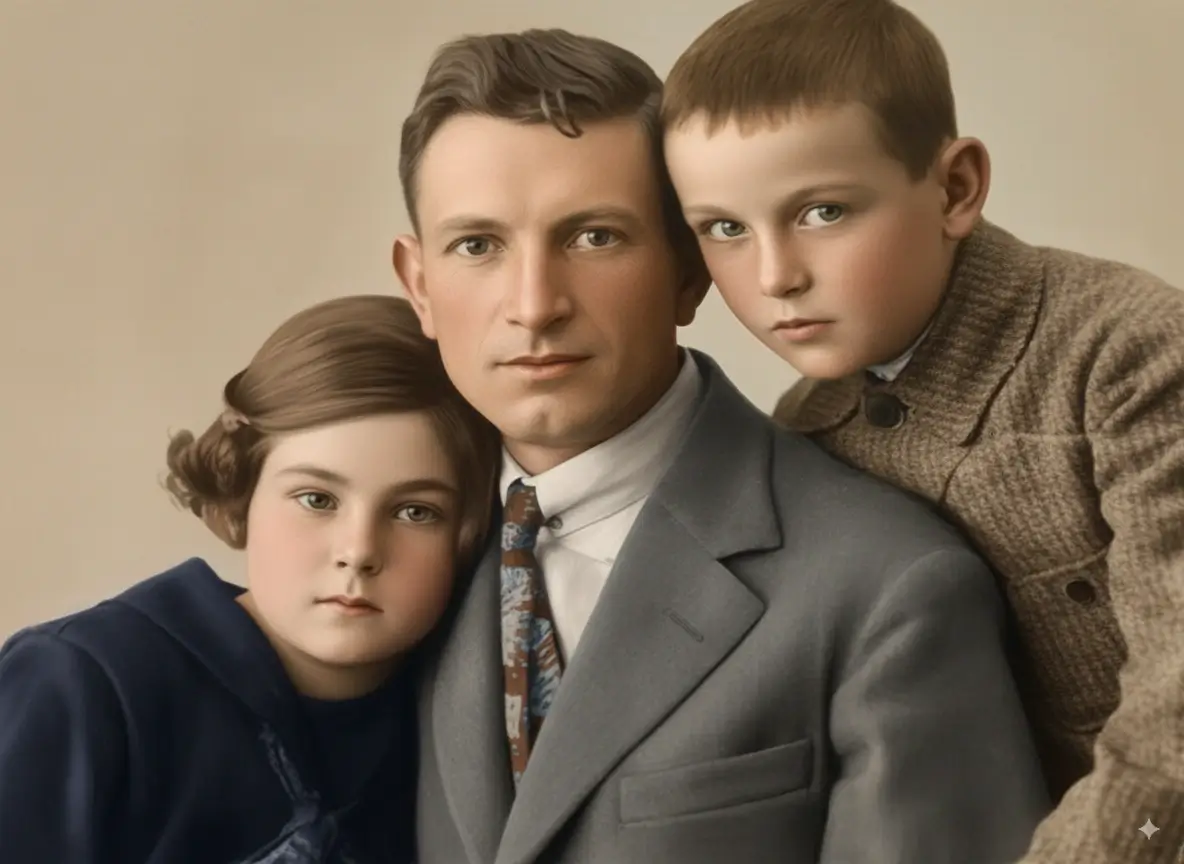
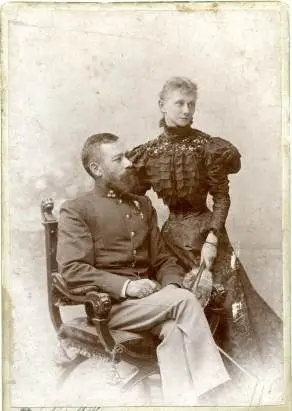
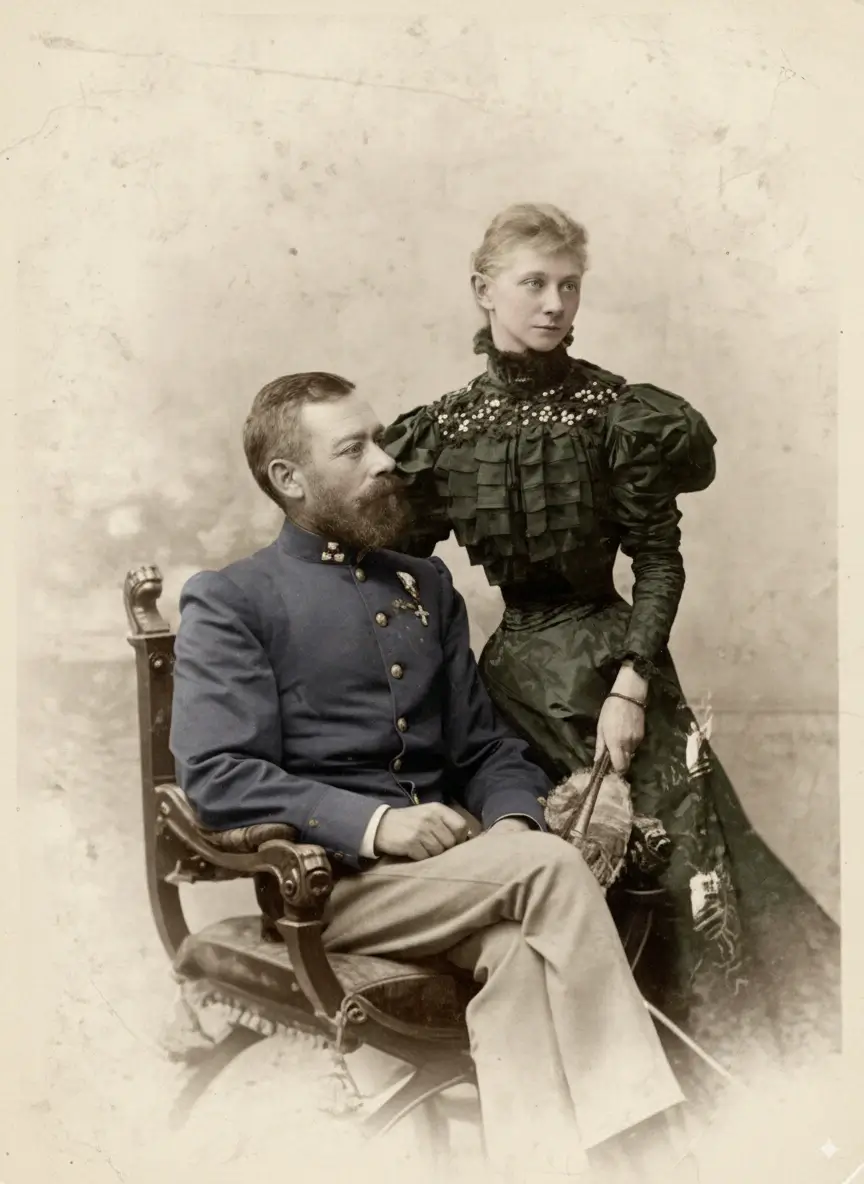
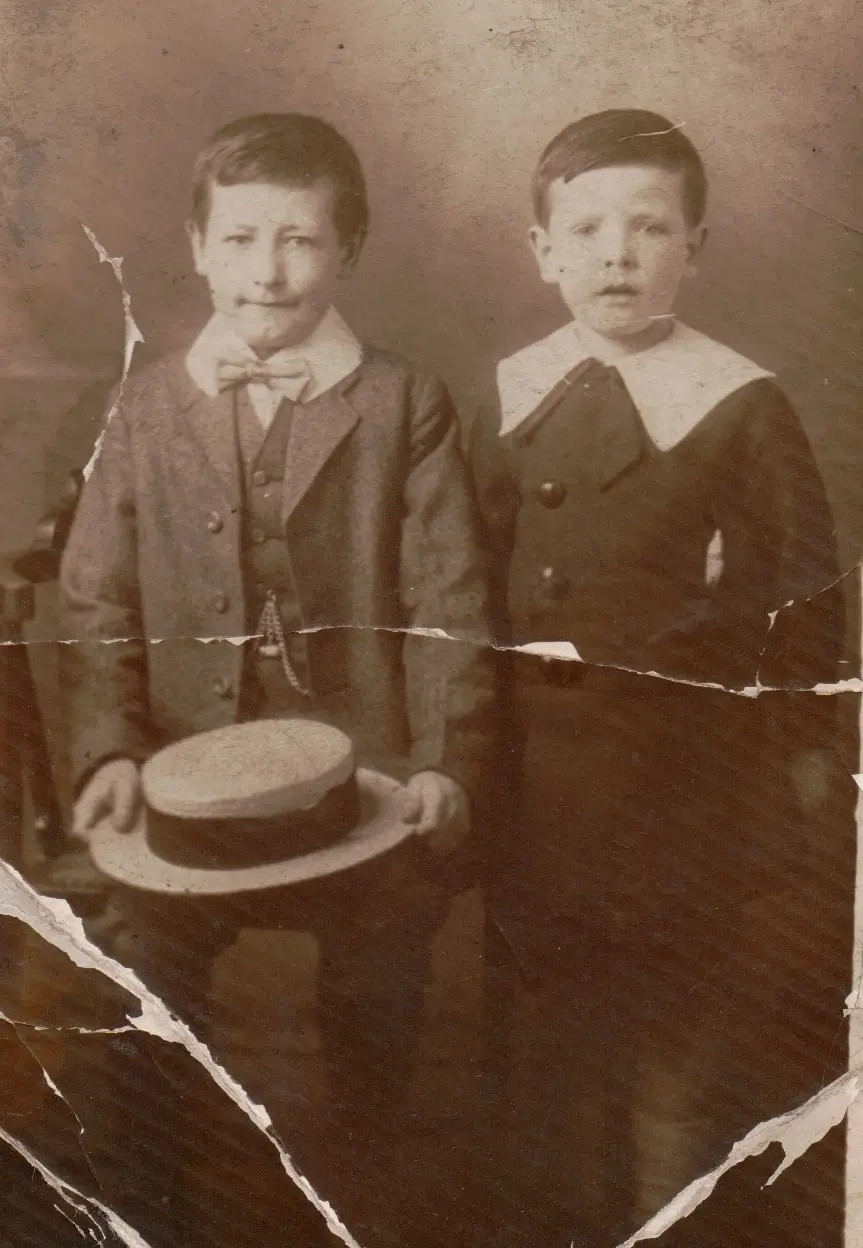
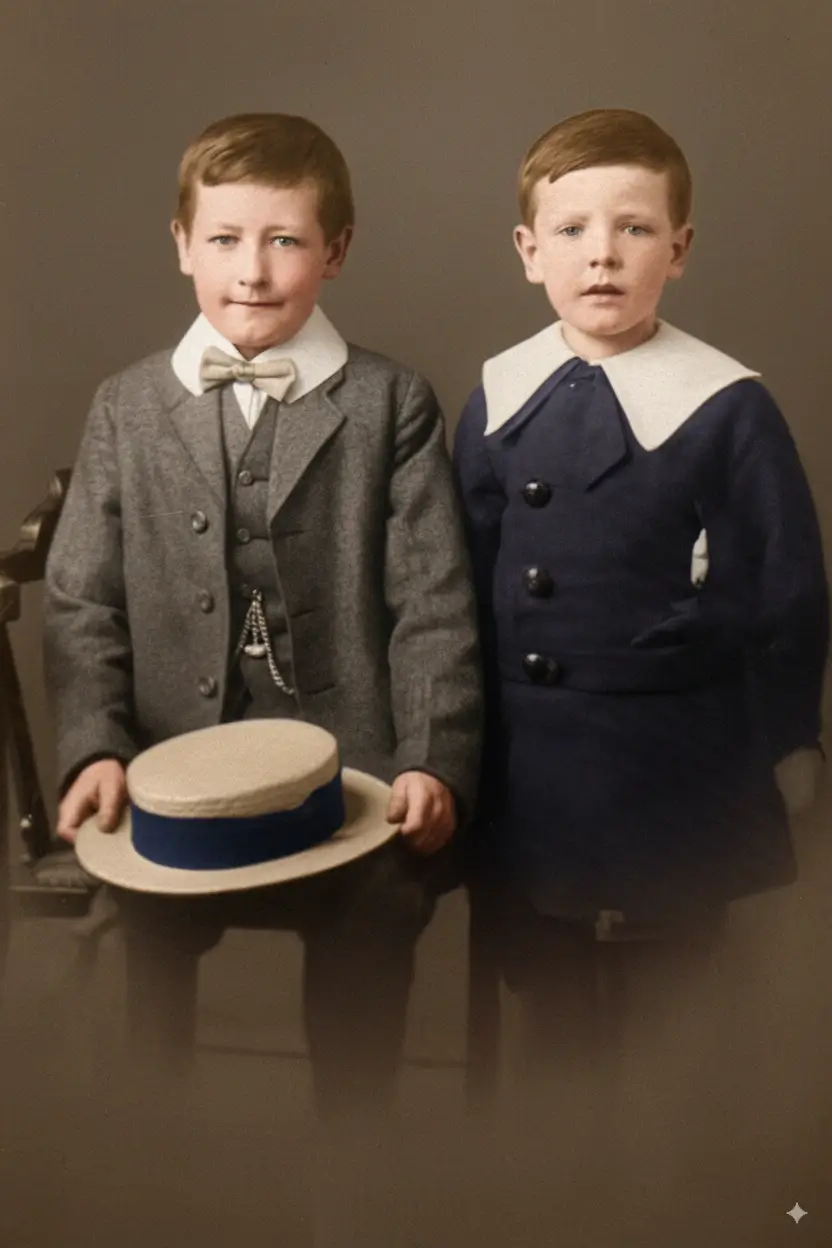
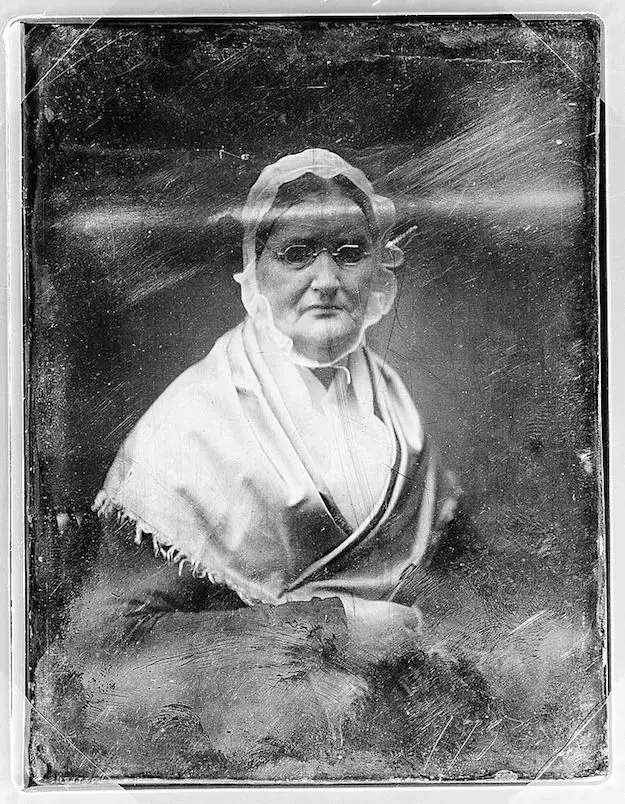
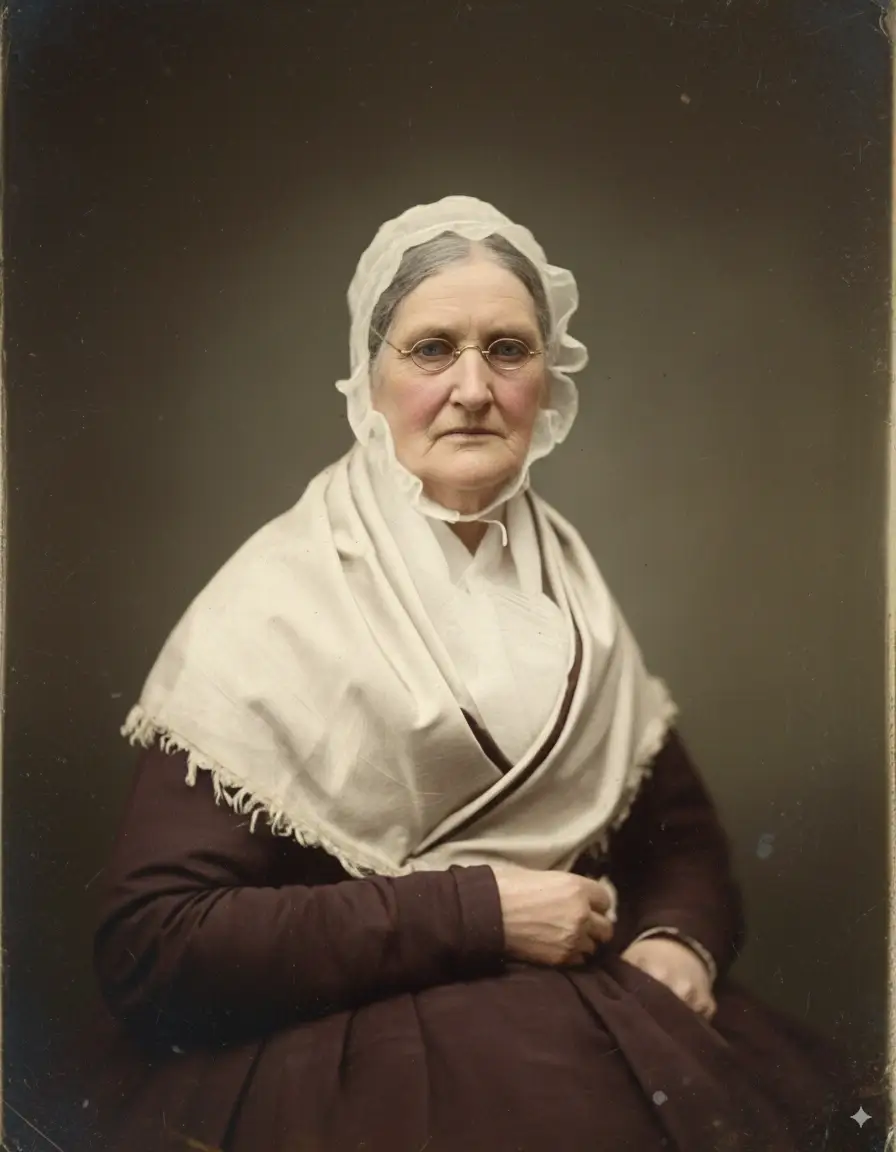
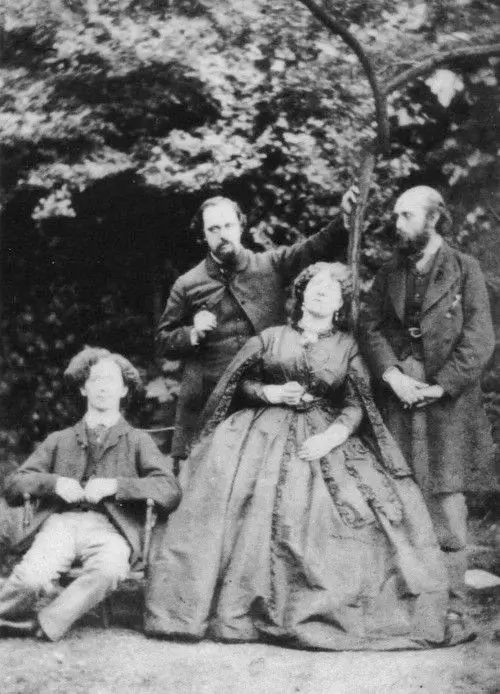
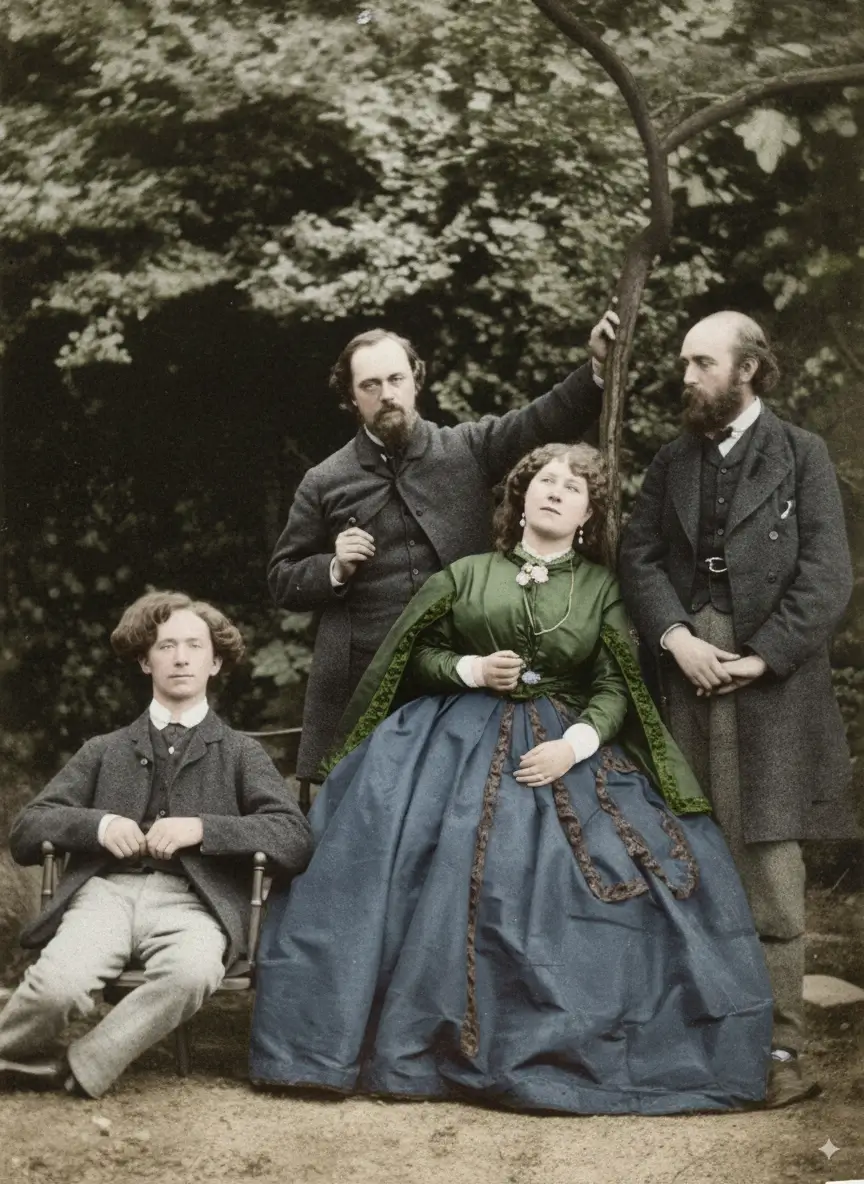
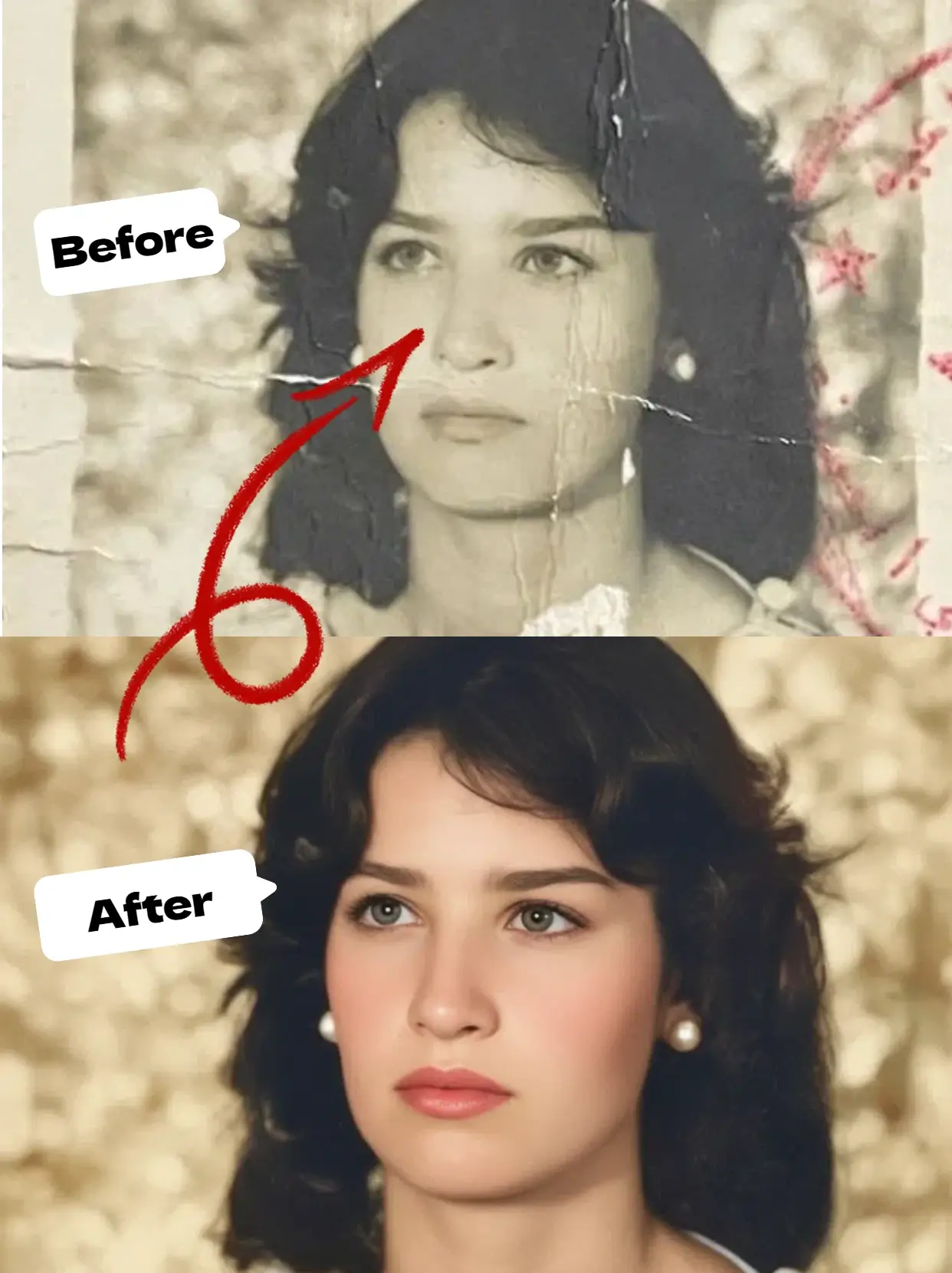
Black and white photo restoration is not just generic repair. It focuses on recovering tonal separation, natural film-like contrast, and period-appropriate texture while fixing physical damage such as scratches, cracks, fading, and stains.
Restore muddy grays, weak blacks, and washed-out highlights so the photo feels readable again.
Clean up scratches, dust, crease marks, tears, and light water staining found in vintage monochrome prints.
Use Fidelity Mode when you want a more natural result that respects original grain and facial identity.
Built for people who want old monochrome photos to look clear again without losing their original feel.
Improve fading contrast, dust marks, soft details, scratches, and brittle-print wear common in black and white photos.
Upload, let the AI repair the image, and download a cleaner result in seconds without Photoshop or manual retouching.
Restore first, then optionally colorize the cleaned-up image later for a more natural final result.
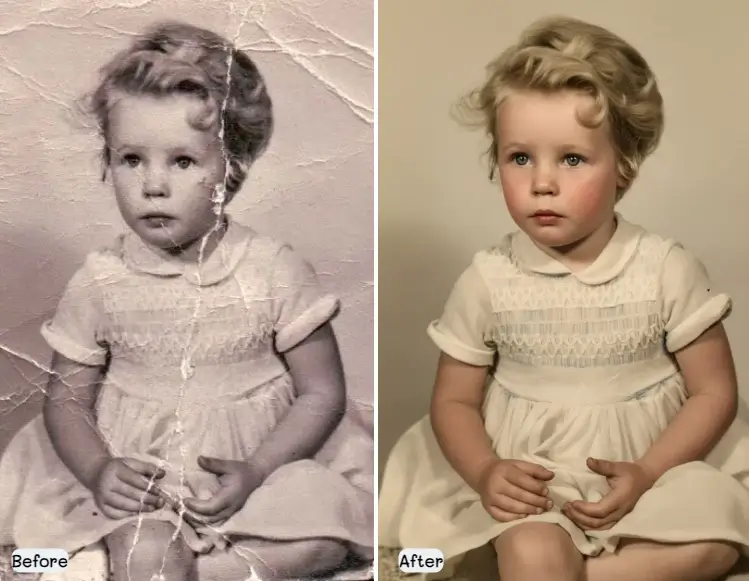
Use the same workflow as our homepage restoration tool, tuned here for monochrome photo intent:
Flatbed scans usually work best, but a clean mobile photo of the print can also be restored.
Balanced works for most photos. Fidelity is best when identity and original texture matter most.
The model identifies scratches, stains, cracks, blur, and tonal fading, then reconstructs detail.
Keep the restored black and white version, or move on to colorization if you want a second-stage transformation.
These are the issues people most often want fixed when they search for black and white photo restoration.
Over time, blacks lose depth and highlights become dingy or yellowed, making faces and clothing blend together.
Surface marks on the print or scan are among the easiest defects to improve with AI restoration.
Portraits often need careful sharpening so eyes, hair, and expressions look clearer without becoming over-processed.
Everything you need to clean up monochrome family photos and historical prints online.
Restore detail and contrast without forcing unnecessary color or artificial-looking edits.
Works well for the most common black and white photo types people digitize at home.
Download a cleaner image that is easier to archive, reprint, or share with family.
Get a restored result in seconds instead of spending hours with manual retouching tools.
Tackle fading, stains, scratches, tears, weak contrast, and light blur in a single workflow.
Once the photo is repaired, you can move to our colorization page for a second pass.
Archival guidance consistently points to gentle handling and better scans as the easiest ways to improve digital restoration results.
Avoid fingerprints, tape, glue, and rough handling before scanning fragile photos.
Older prints are safer on a flatbed than in an auto-feed scanner.
Higher-resolution scans usually preserve more recoverable detail, especially for small prints.
Cleaning damage and rebuilding detail first often gives more convincing colorization afterward.
Contrast and scratch recovery
Vintage portrait cleanup
Damage removal and clarity improvement
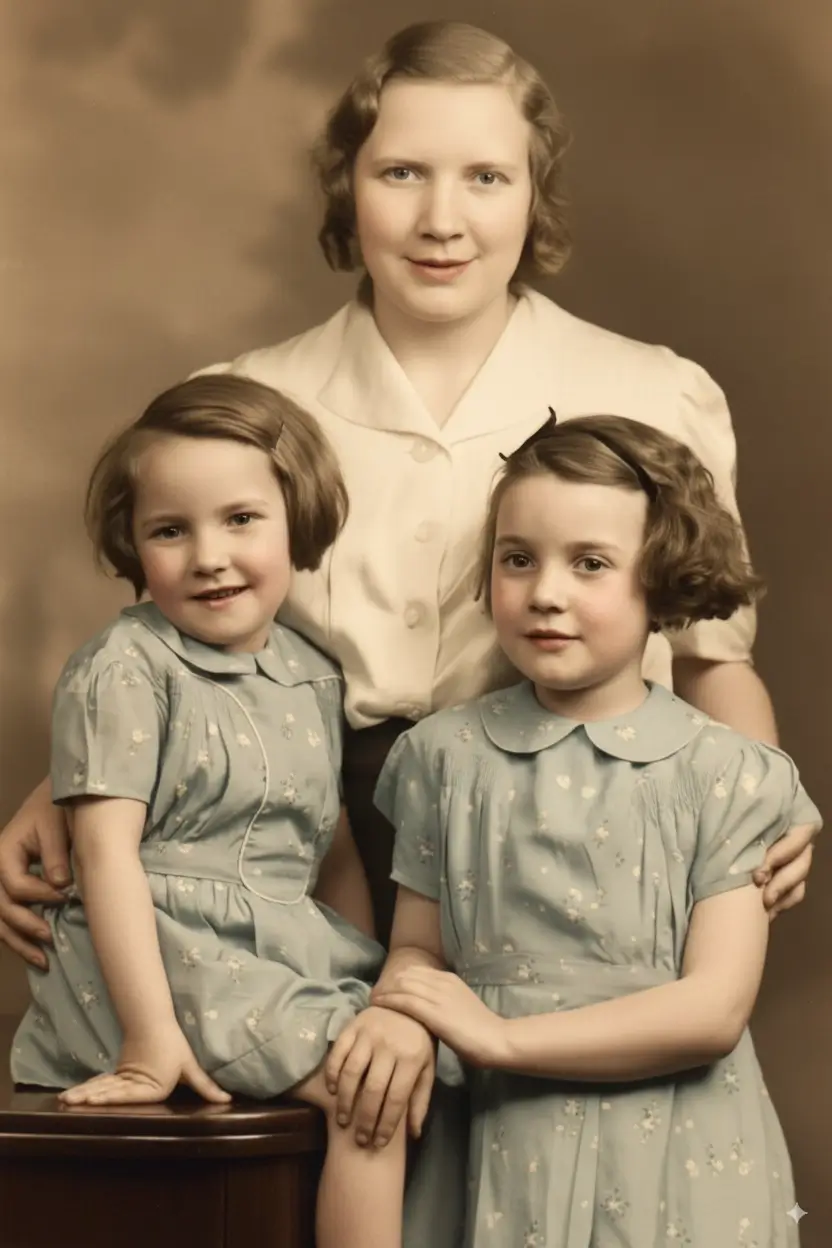
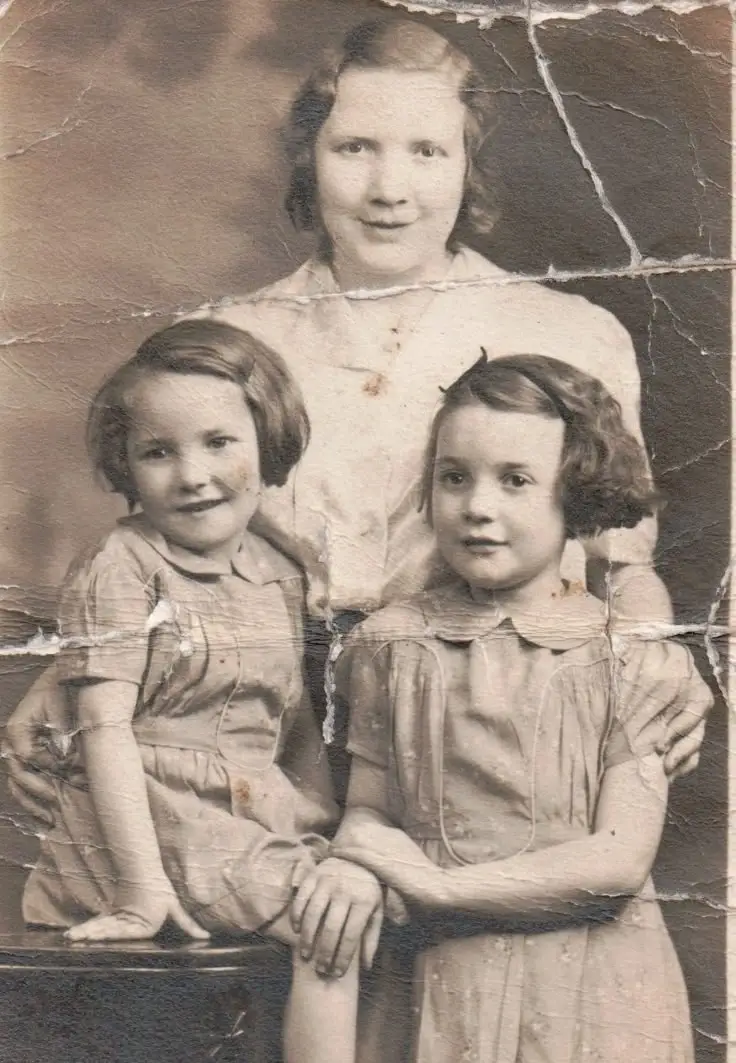
Faded print enhancement
Tonal separation recovery
Portrait detail cleanup
Clear expectation-setting helps this page convert better and builds trust with users preserving family memories.
Light scratches, dust, weak contrast, mild fading, and modest softening are often the most recoverable issues.
Water marks, crease lines, and tears with some visible context can often be reduced substantially.
Large missing sections, severe emulsion loss, or heavy damage across faces have more limited recovery potential.
If the scan is low-resolution or blurry, AI can help, but it cannot fully recreate detail that was never captured.
Short answers to the questions users usually ask before trying monochrome photo restoration.
Yes. AI can improve many common problems in black and white prints, including fading contrast, scratches, dust spots, stains, cracks, and soft facial detail.
Not necessarily. Restoration usually means repairing damage and recovering detail while keeping the original monochrome look. Colorization is an optional next step.
Usually yes. Cleaning scratches, rebuilding detail, and recovering contrast first often leads to a better-looking colorized result.
A 600 DPI flatbed scan is a strong baseline for most prints. Smaller photos or prints you want to enlarge may benefit from 1200 DPI.
That is the goal. Fidelity-focused restoration aims to preserve facial identity, natural grain, and the original feel of the photo instead of making it look overly modern.
Family portraits, old wedding photos, childhood snapshots, and historical household prints typically respond very well, especially when the scan is clean and reasonably high resolution.
Upload a monochrome family photo and let AI repair fading, scratches, and lost detail in seconds.