Photo Restoration Before and After
See real AI photo restoration results across different damage types — scratches, fading, tears, water damage, and more. Every example below is processed by our AI restoration engine.
What Photo Restoration Can Fix
Old photographs deteriorate in many ways. Our AI restoration engine handles the most common damage types found in vintage and family photos.
Scratches & Cracks
Surface scratches and deep cracks that cut through the emulsion layer.
Fading & Discoloration
UV-damaged photos with lost contrast, yellowing, or color shifts.
Water & Stain Damage
Tide marks, water stains, and mold spots from moisture exposure.
Tears & Missing Parts
Torn edges, creases, and areas where the photo surface is missing.
Family Portrait Restoration Before and After
Vintage family portraits often suffer from fading, scratches, and age-related discoloration. These examples show how AI restoration recovers facial detail and tonal balance.
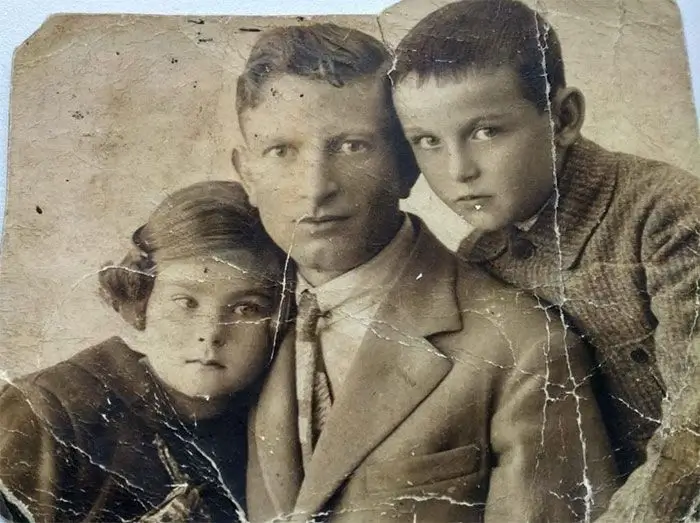
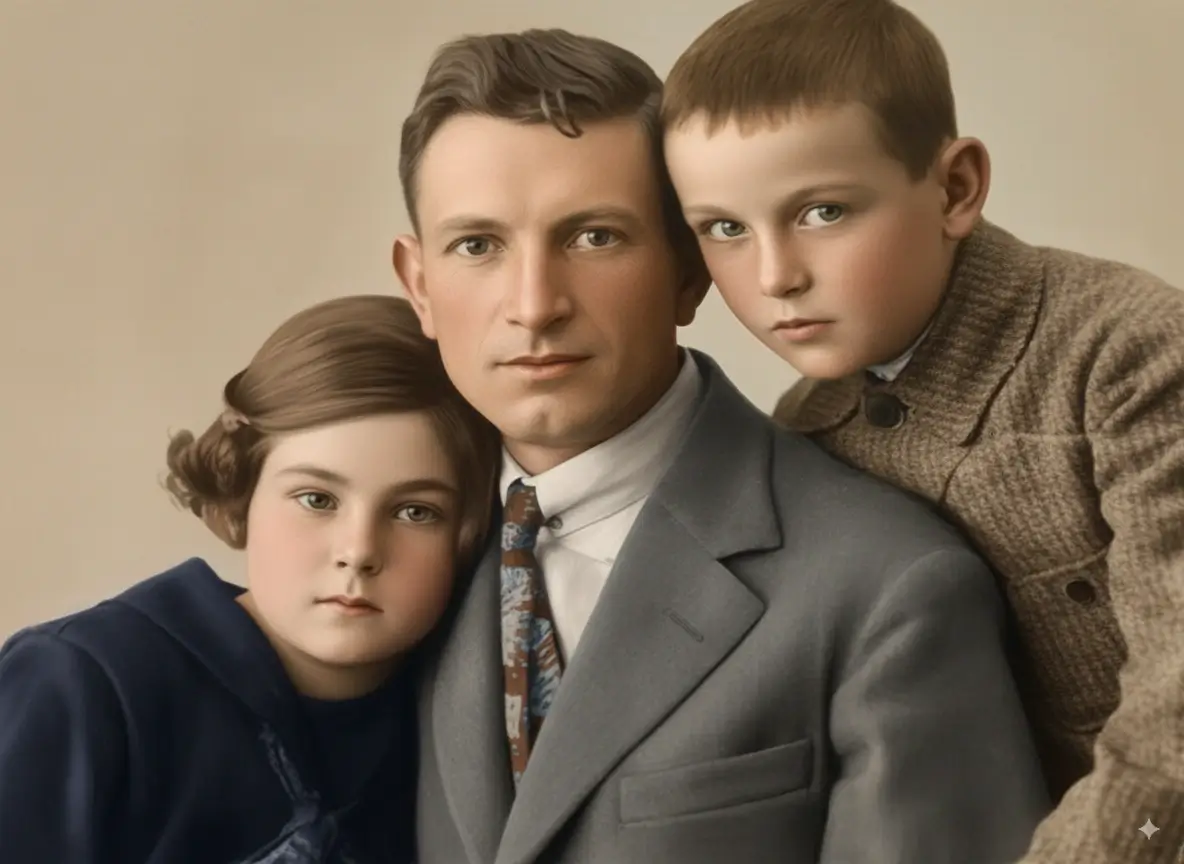
Faded Family Portrait
Fading + Scratches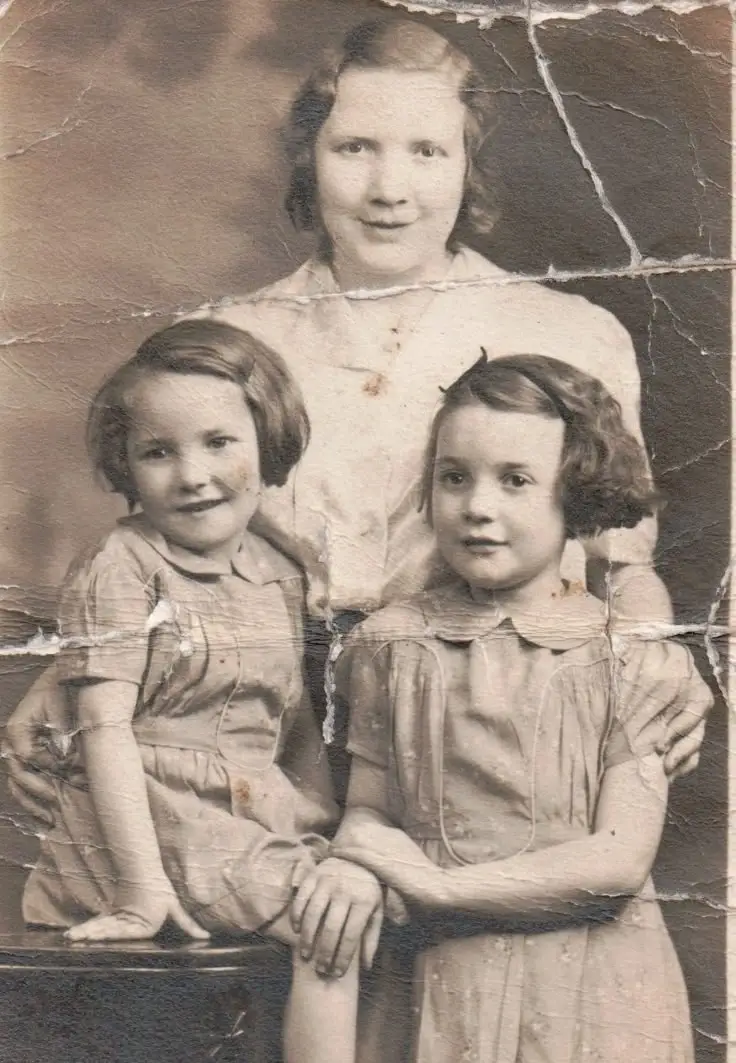
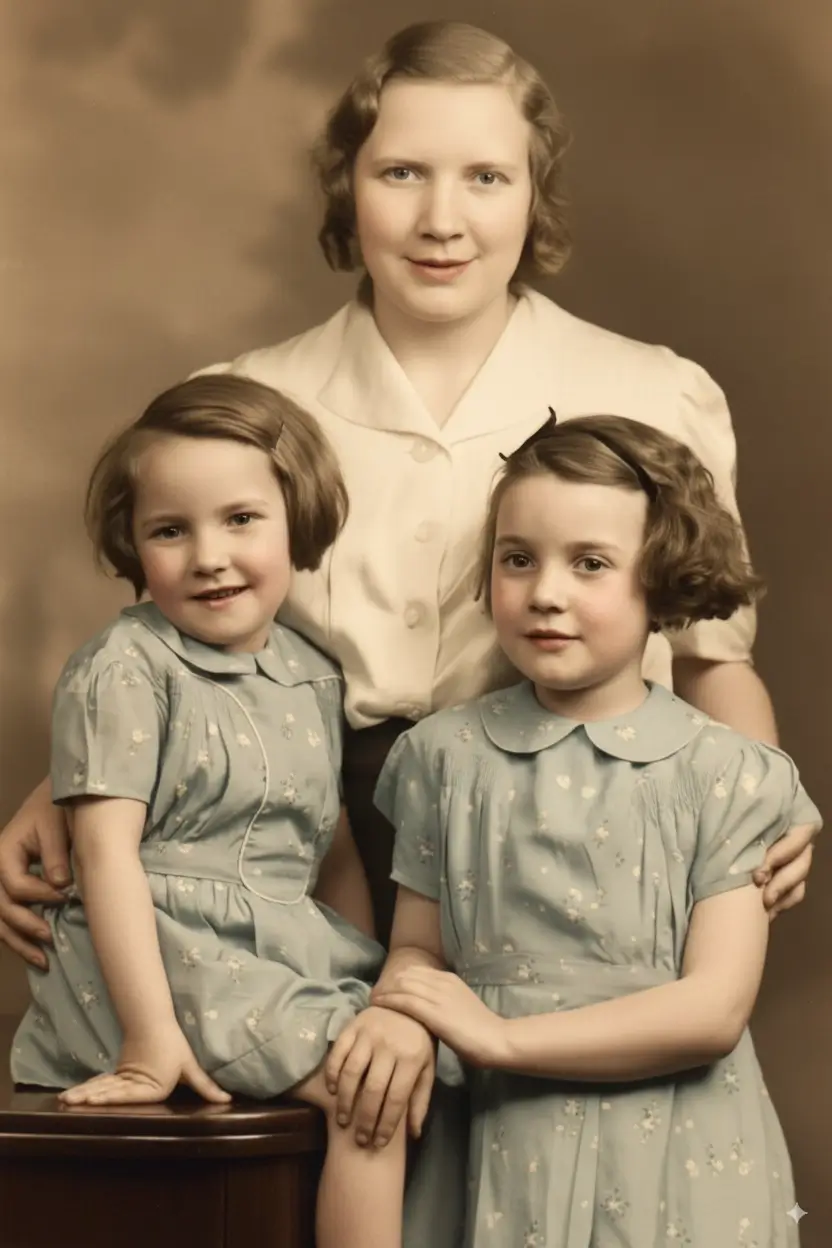
Mother & Daughters Portrait
Color Loss + Fading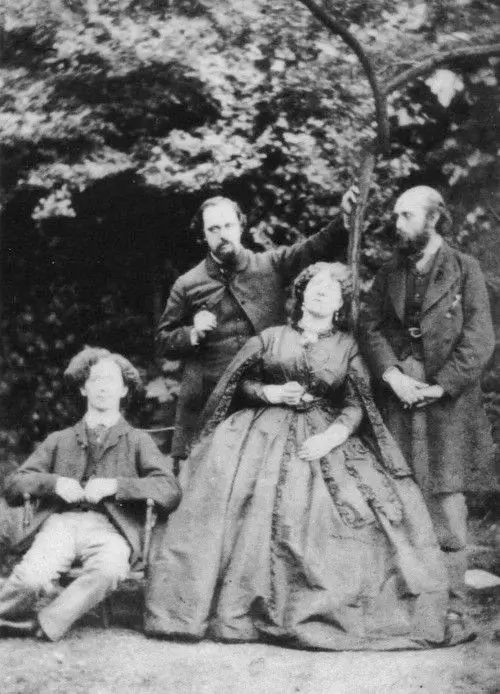
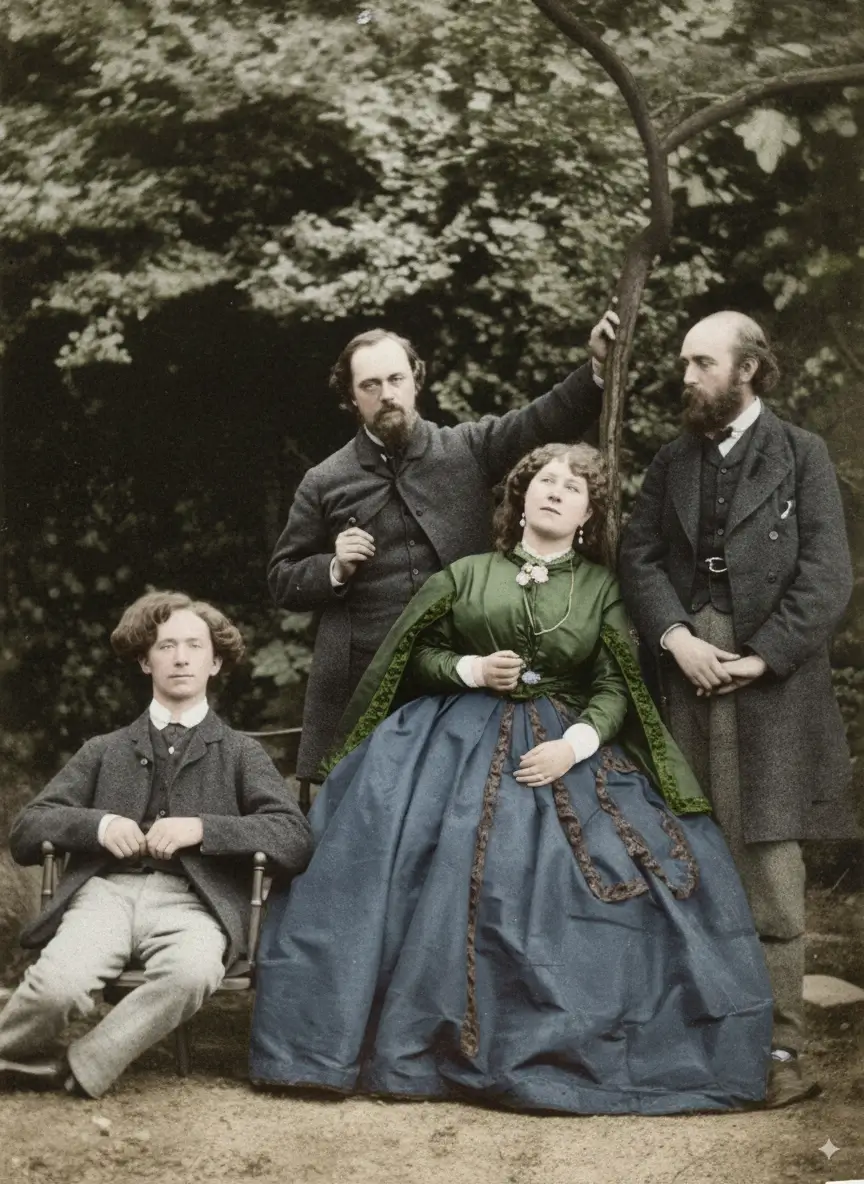
Group Family Photo
Scratches + FadingVintage Couple Photo Restoration Examples
Couple portraits from the early 20th century frequently show yellowing, surface cracks, and emulsion damage. These before and after examples demonstrate detail recovery on aged prints.
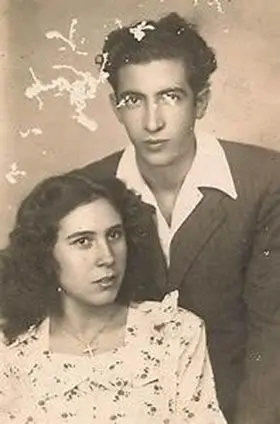
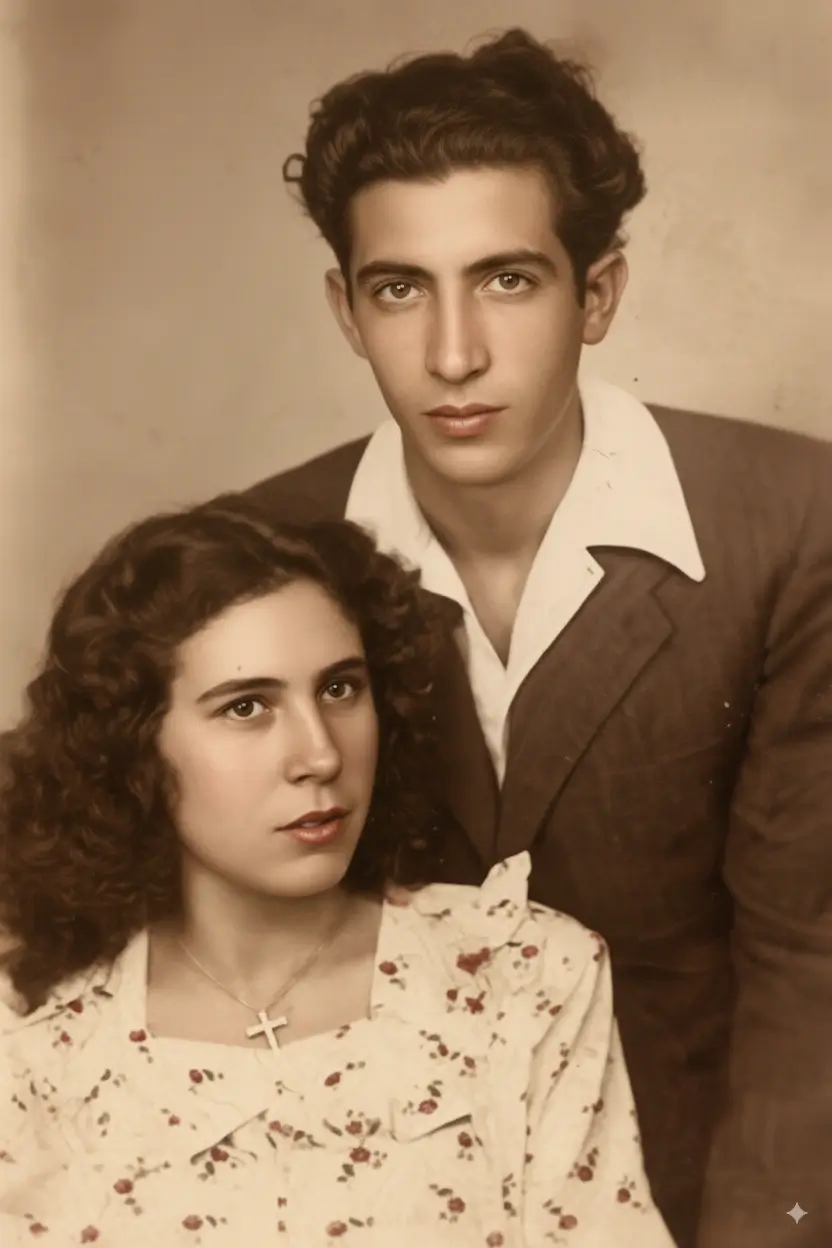
Vintage Couple Portrait
Yellowing + Cracks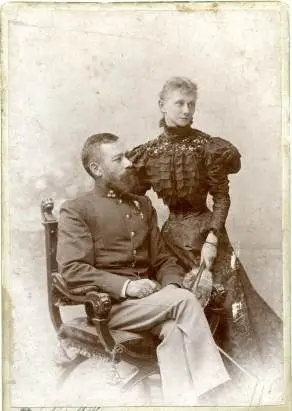
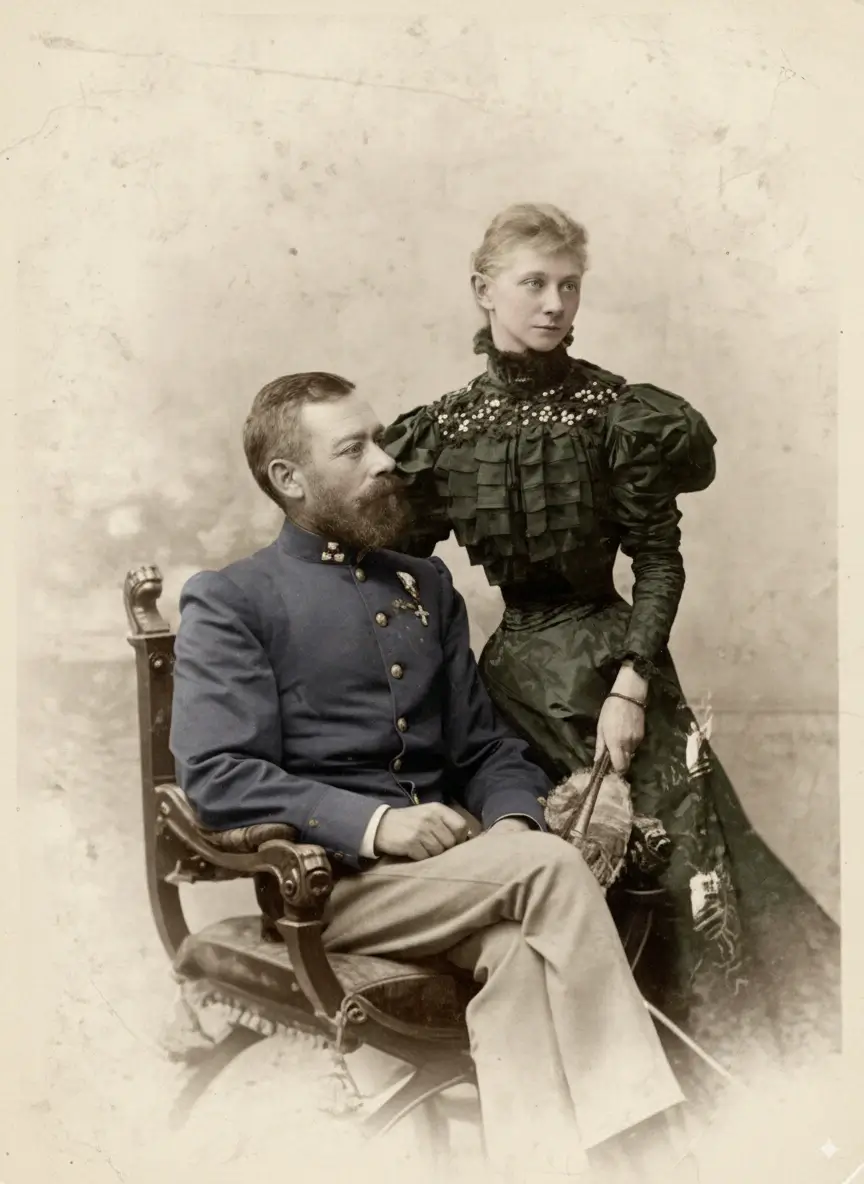
Victorian Era Couple
Age Damage + Fading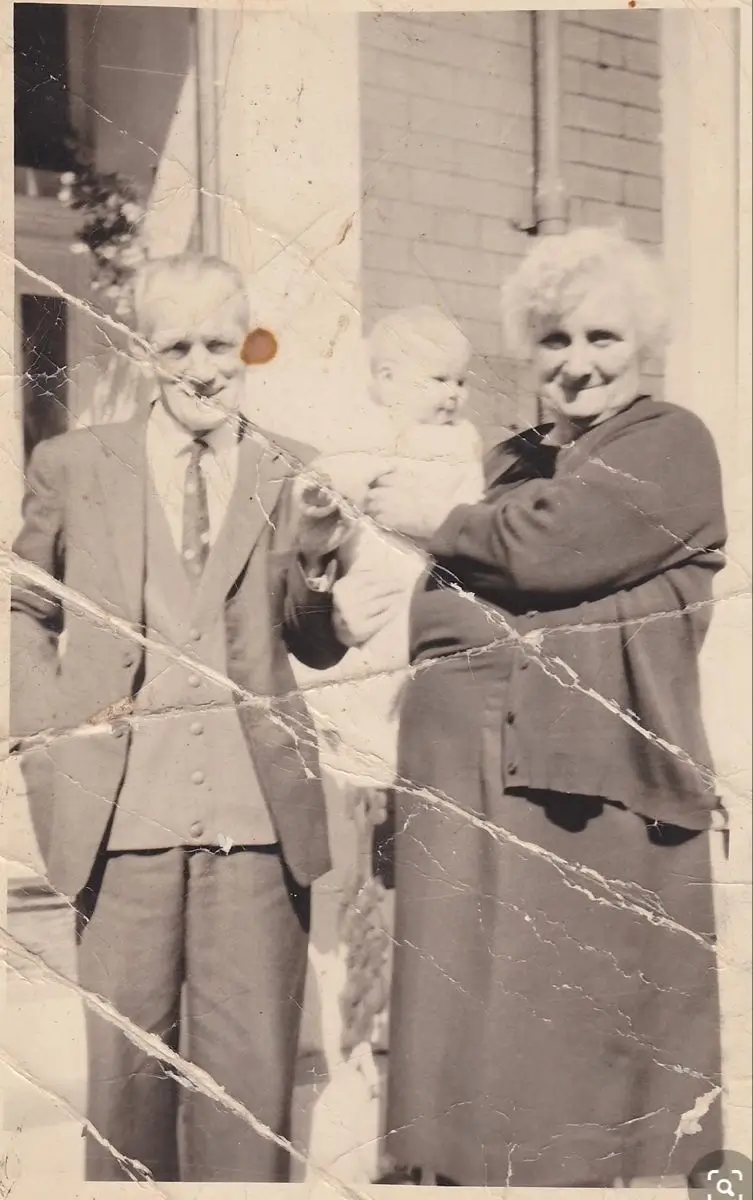
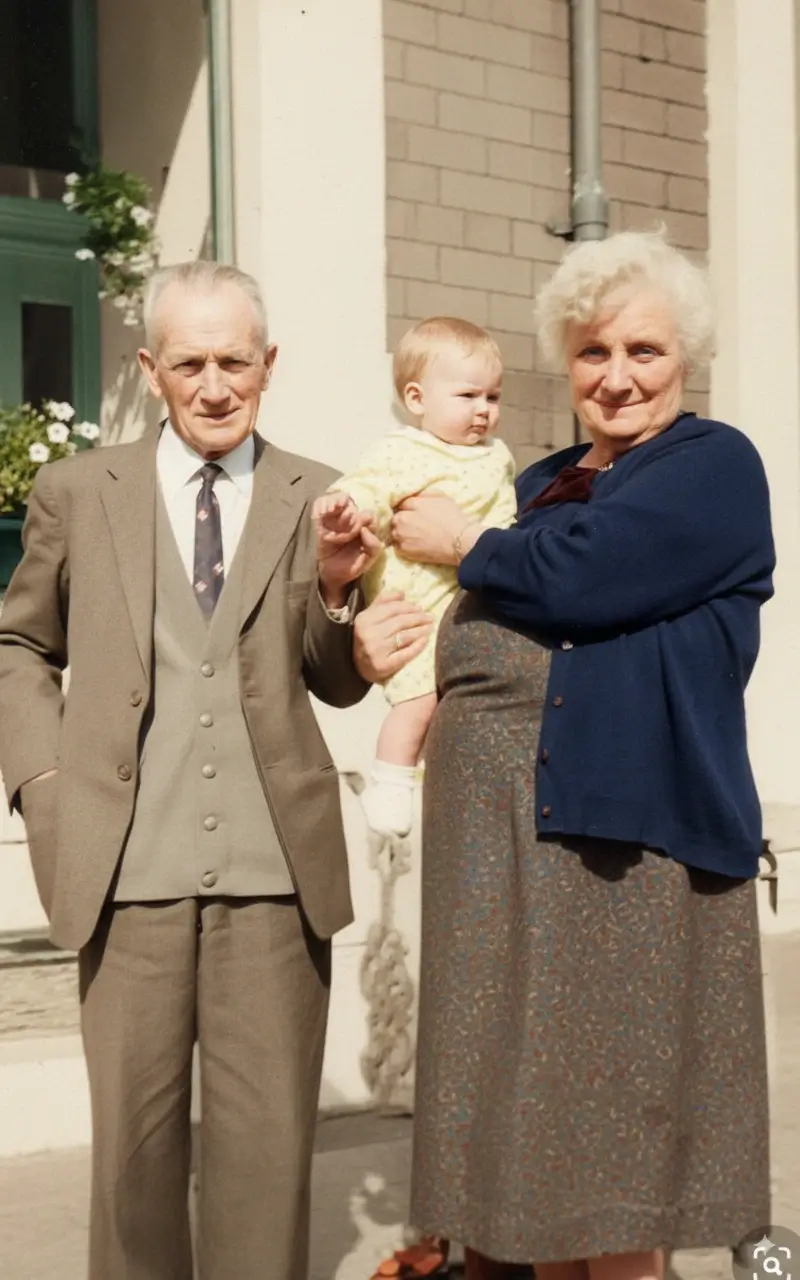
Elder Couple Portrait
Fading + DiscolorationChildren's Photo Restoration Before and After
Childhood photos are among the most treasured — and most fragile. These examples show restoration of scratched, torn, and faded photos of children from past decades.
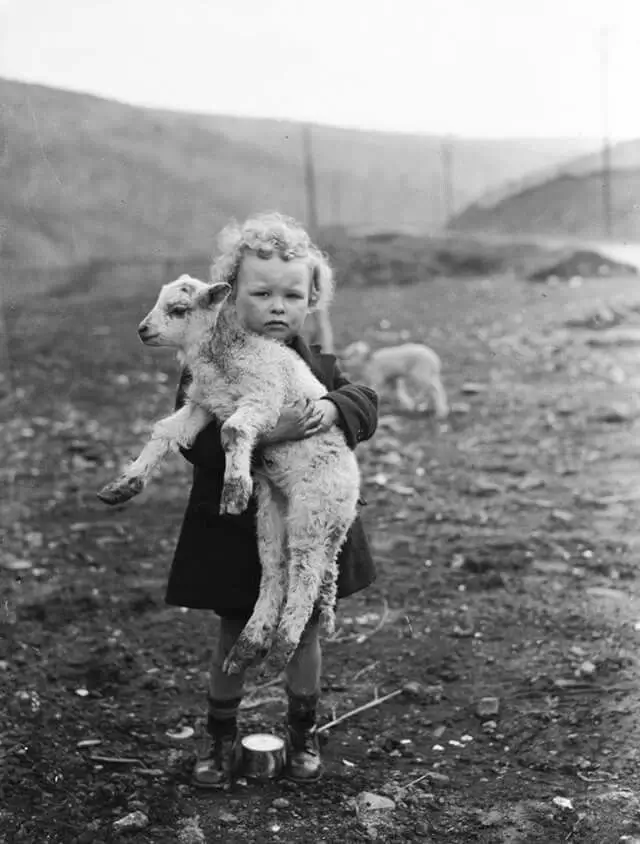
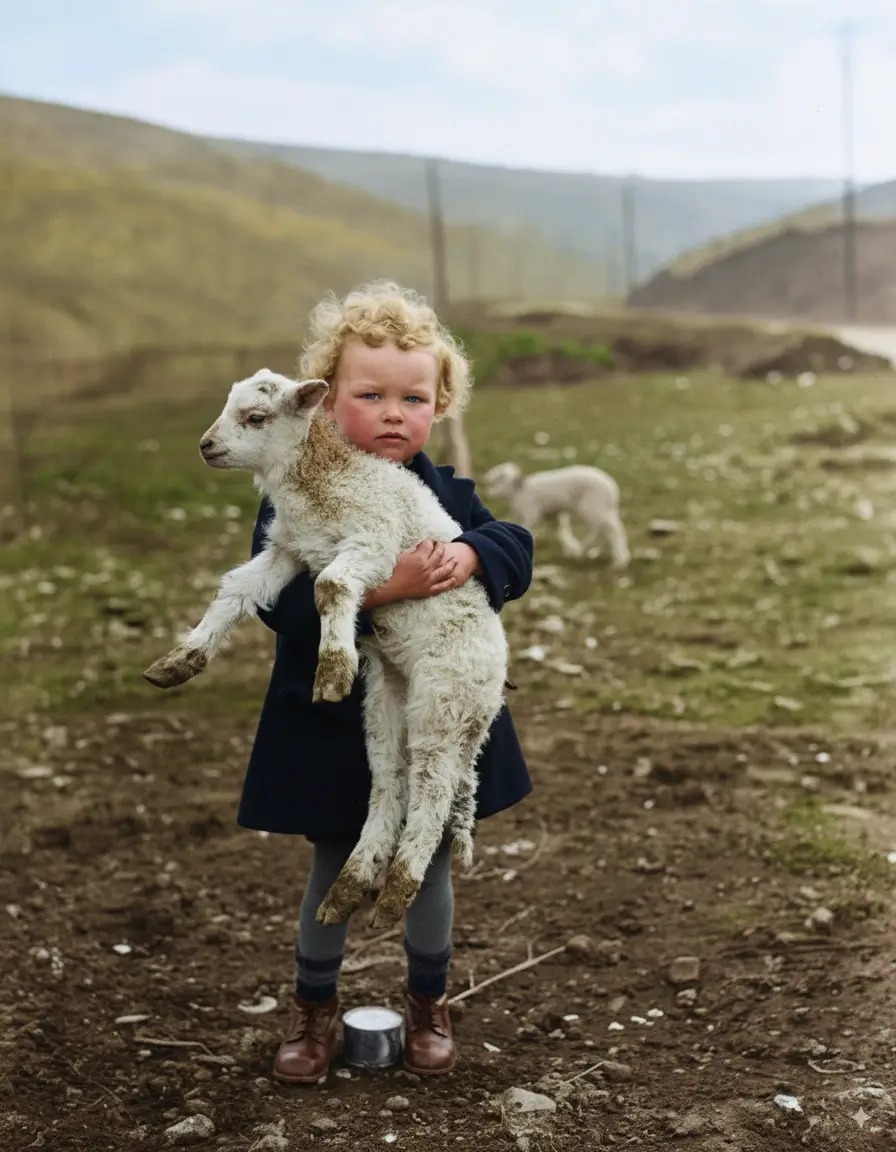
Boy with Lamb
Scratches + Tears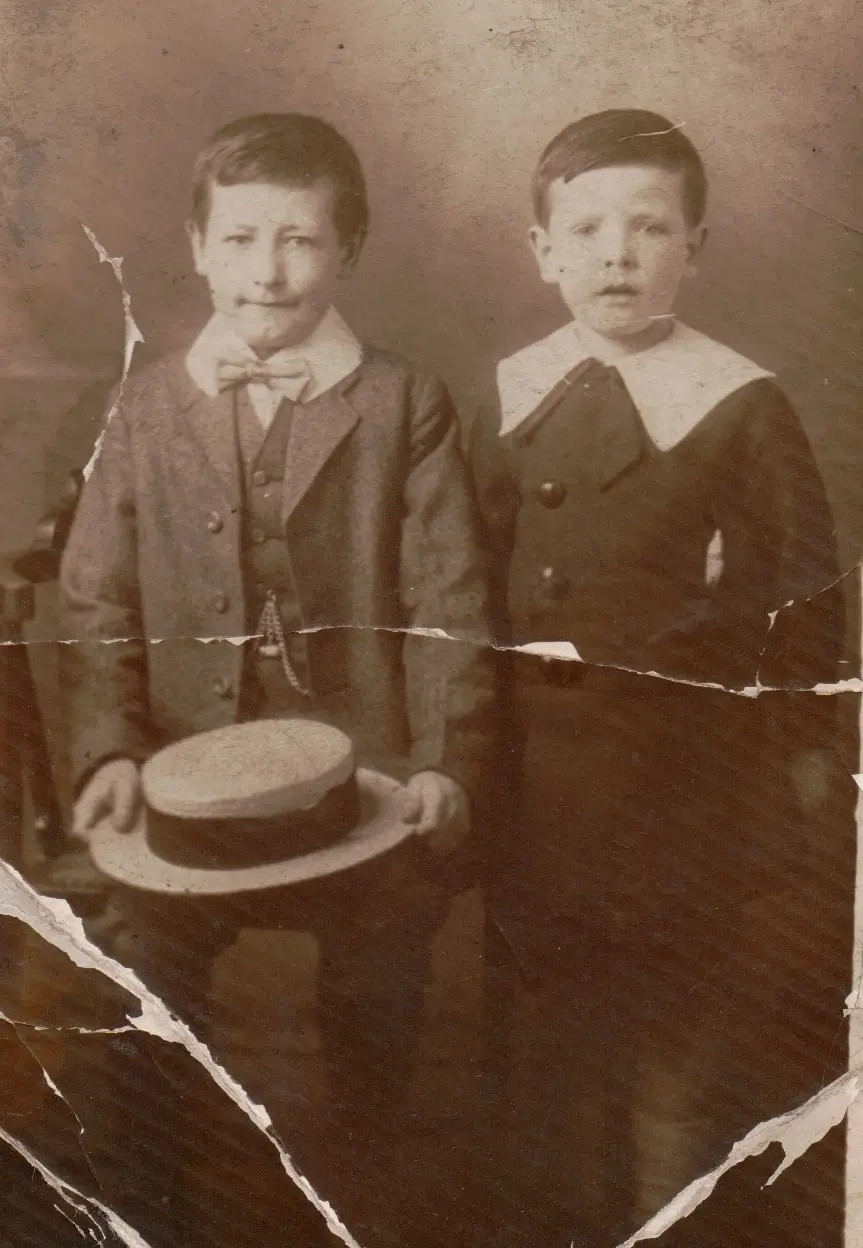
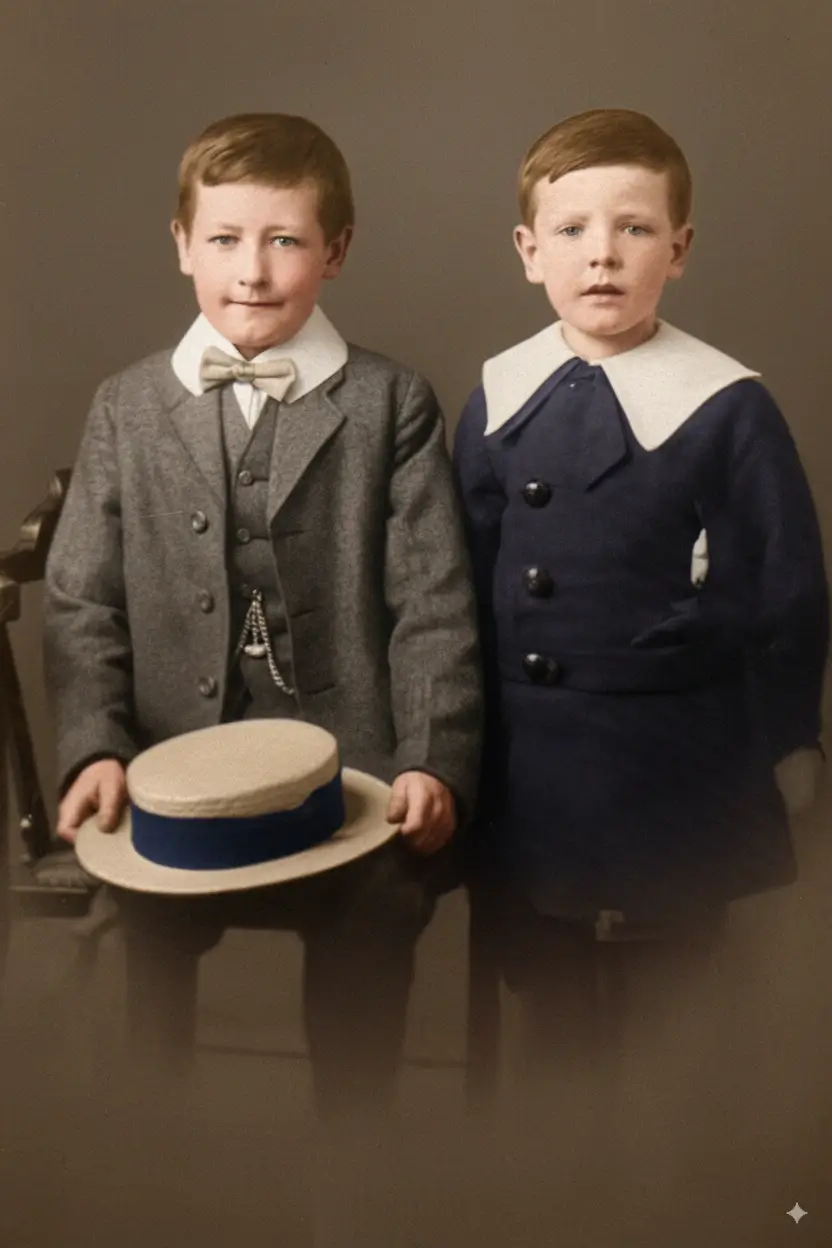
Two Brothers
Fading + Scratches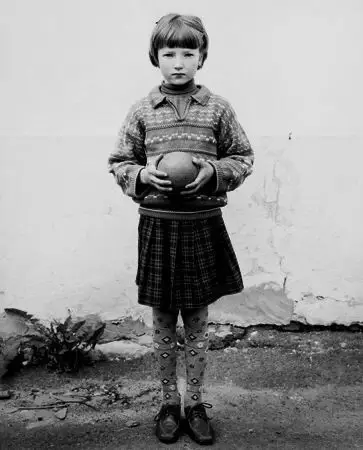
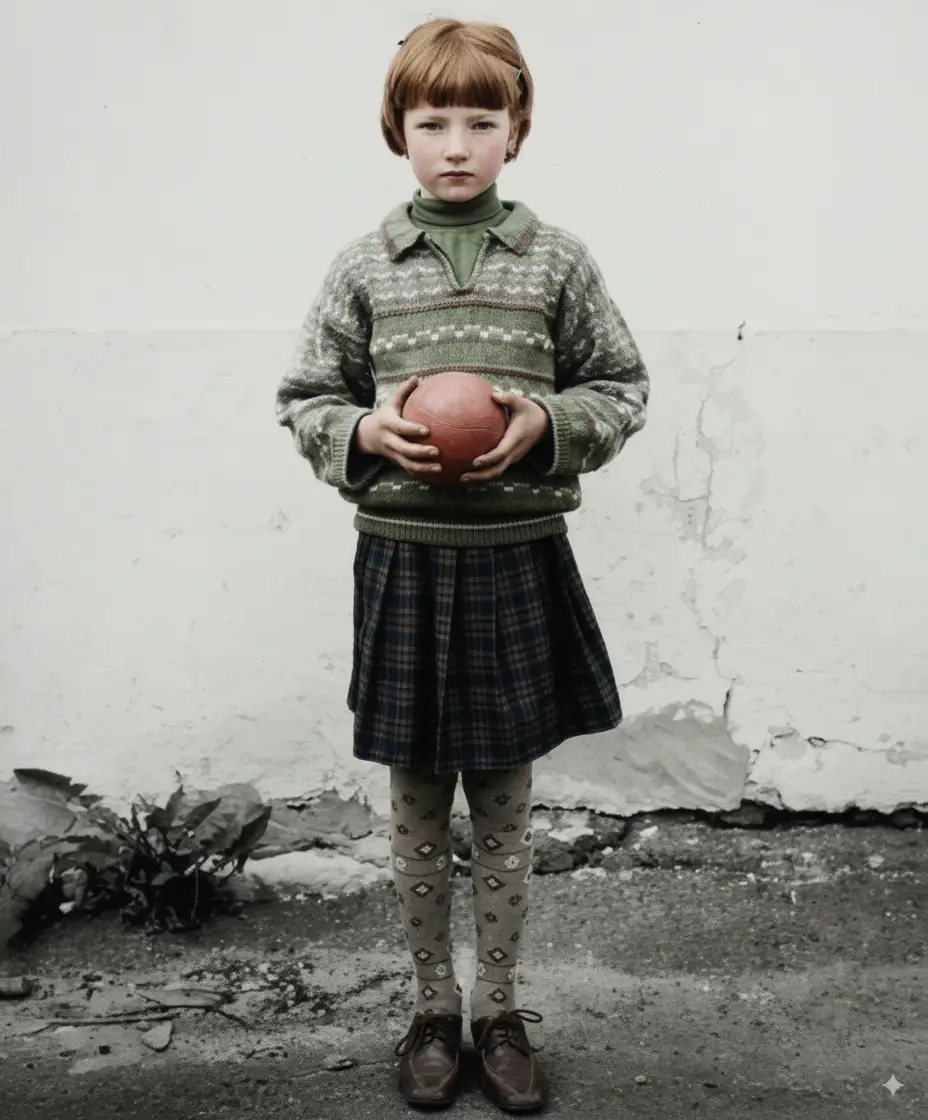
Girl with Ball
Age Damage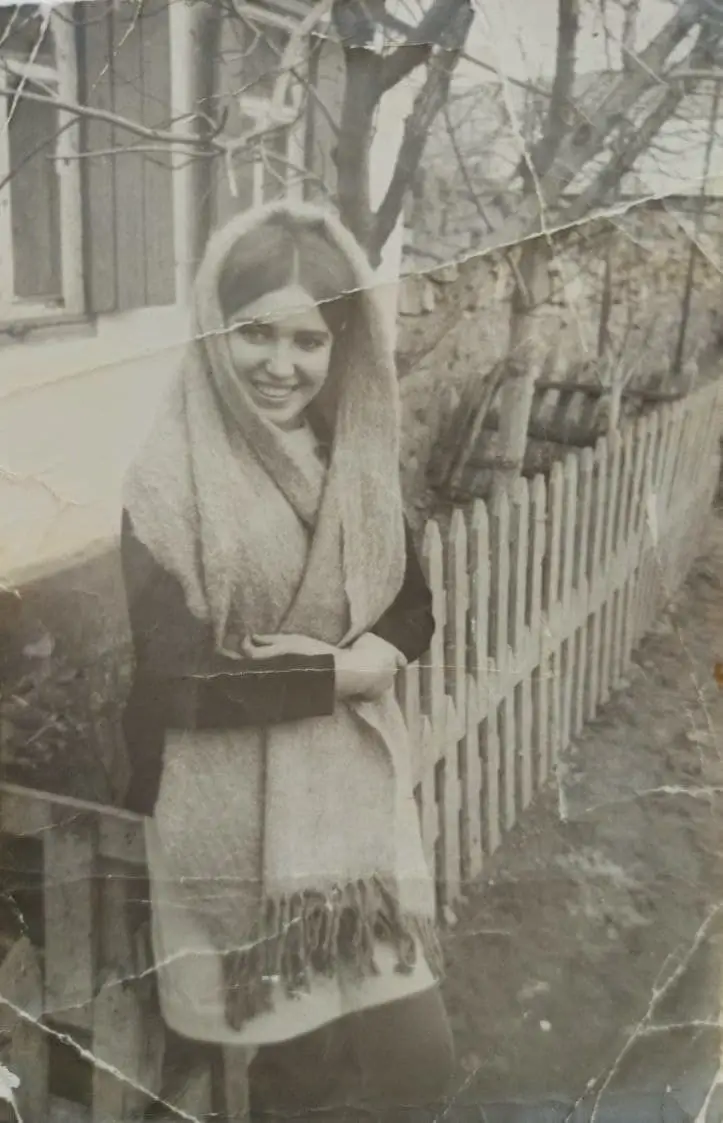
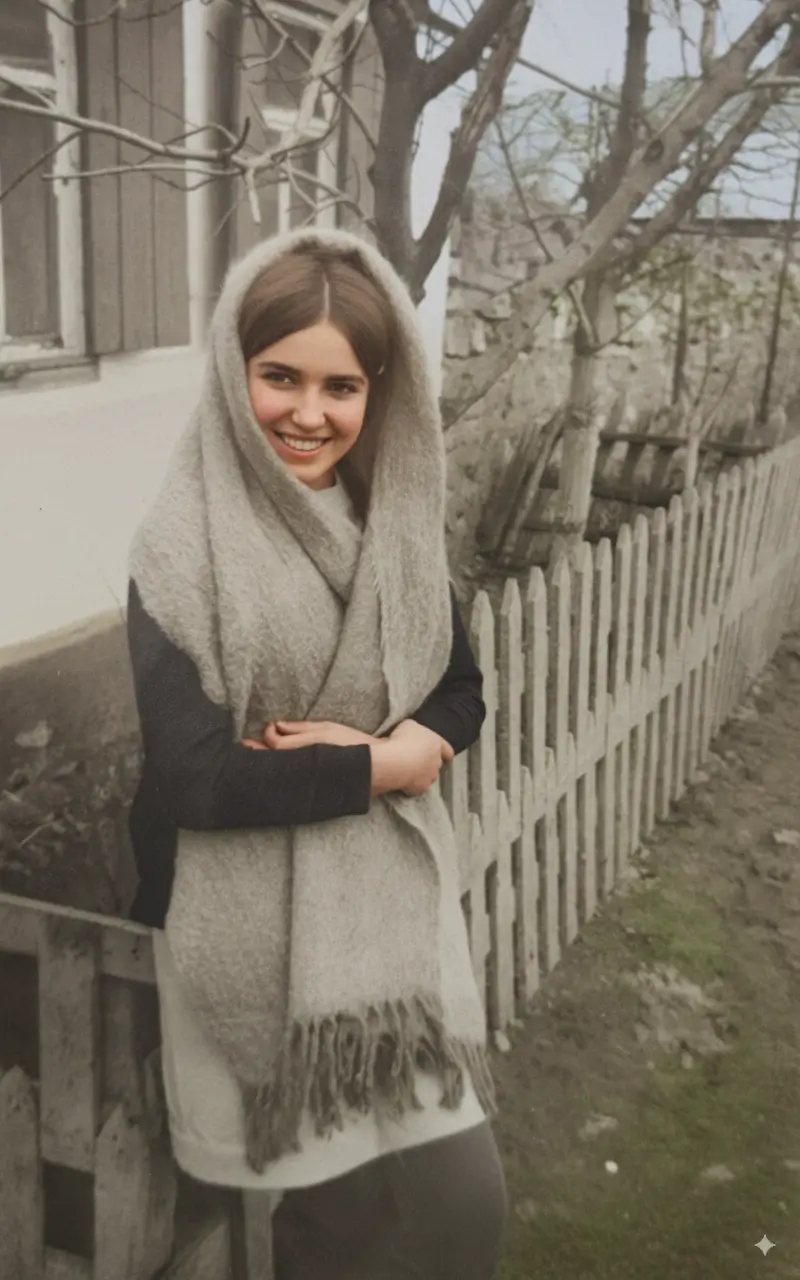
Girl Portrait
Fading + Color LossIndividual Portrait Restoration Examples
Single-subject portraits benefit most from AI face enhancement during restoration. These examples show how facial clarity and skin tone are recovered from heavily damaged originals.
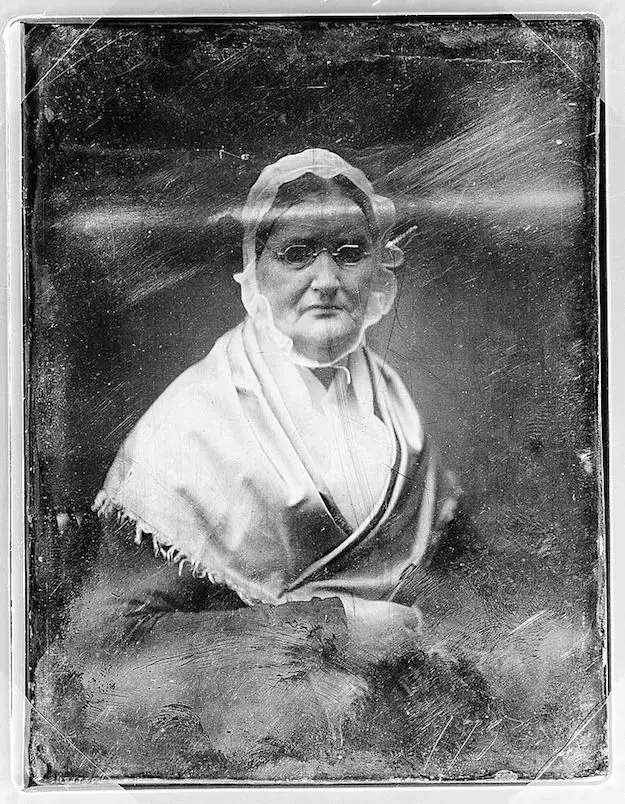
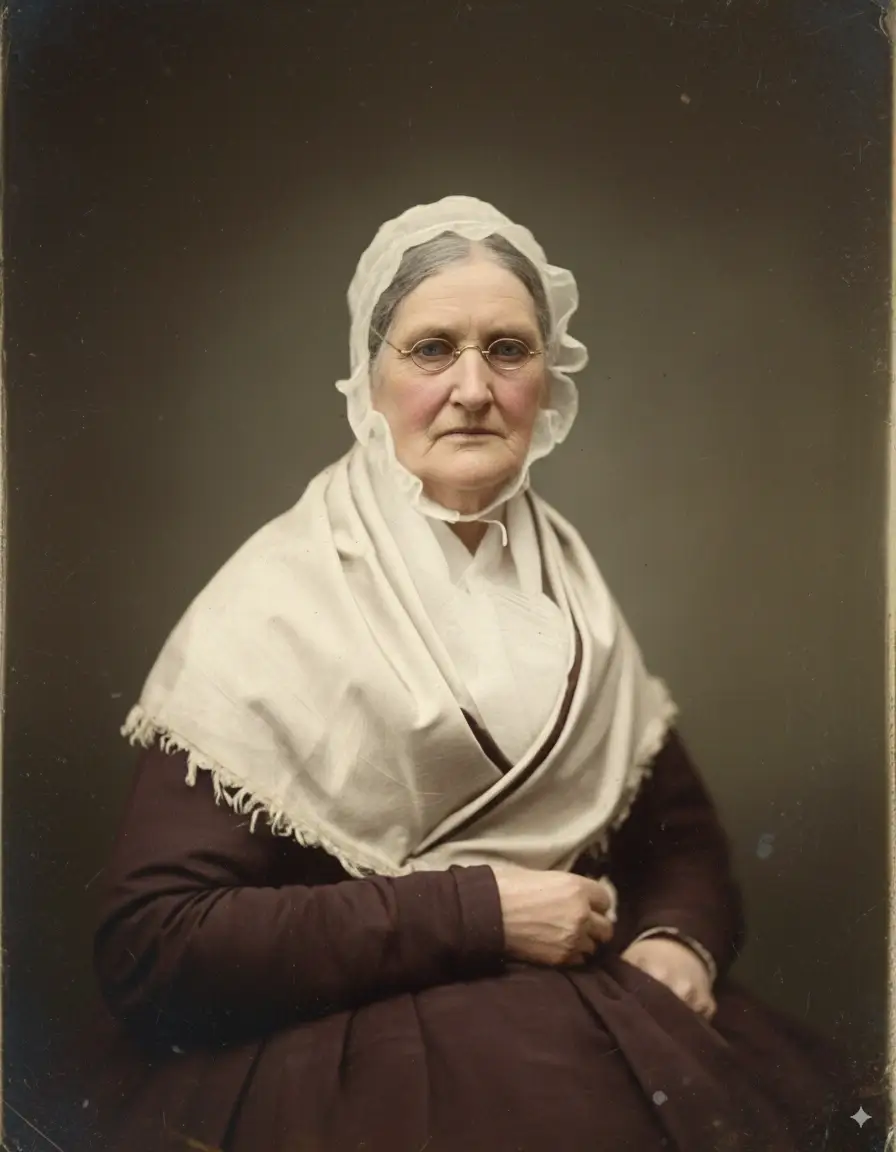
Elderly Woman Portrait
Fading + Scratches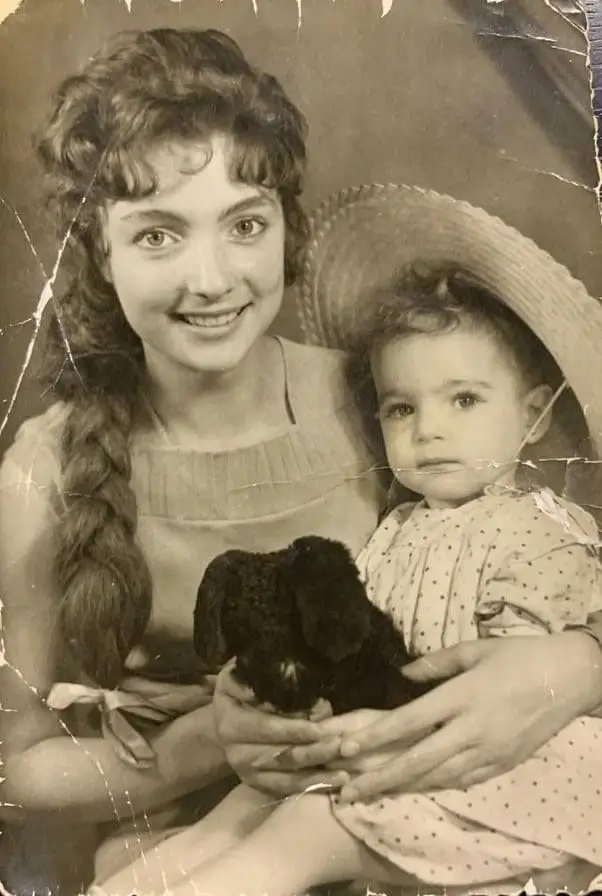
Mother & Daughter
Age Damage + Fading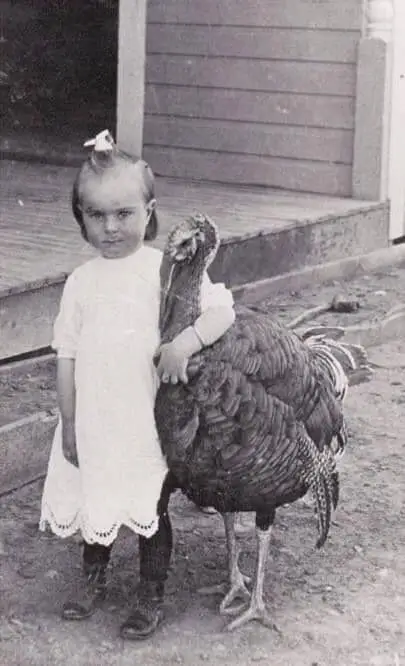
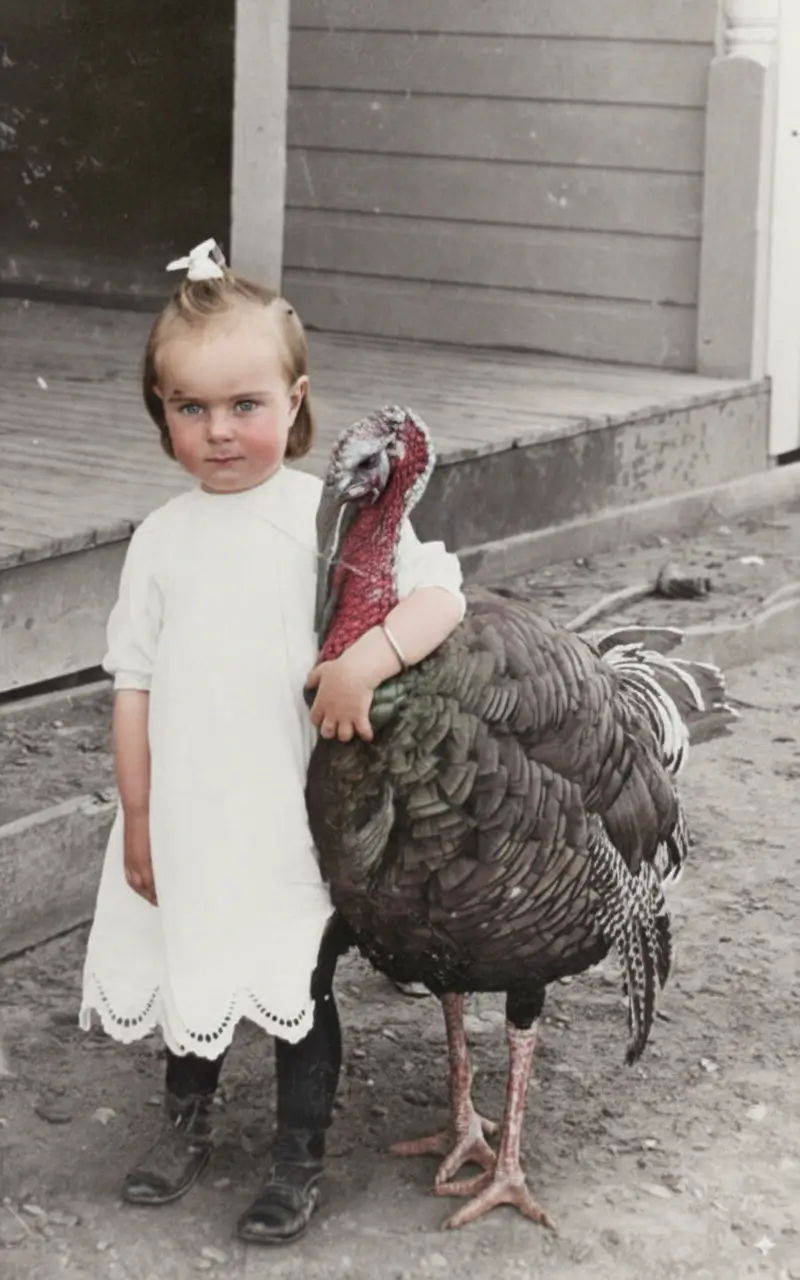
Historical Farm Photo
Scratches + FadingHow AI Photo Restoration Works
Understanding the process helps set accurate expectations for your own photos.
Damage Detection
The AI scans every pixel to identify scratches, cracks, fading, stains, and missing areas across the entire image.
Contextual Reconstruction
Using surrounding pixel data and trained patterns, the AI fills damaged areas with contextually accurate detail.
Tone & Color Recovery
Faded tones are recovered, color casts corrected, and contrast restored to match the original photographic intent.
Face Enhancement
Facial features receive additional sharpening and clarity recovery, preserving natural appearance without over-processing.
Common Photo Damage Types and Restoration Results
Different damage types require different restoration approaches. Here's what to expect from each.
Scratches & Surface Damage
Difficulty: Low to MediumScratches are removed cleanly. Deep scratches over faces may show minor texture differences.
Tip: Higher resolution scans produce better scratch removal results.
Fading & Color Loss
Difficulty: LowTonal range and contrast are fully recoverable in most cases. Severely faded photos may need manual color guidance.
Tip: Scan at 600 DPI minimum for best fading recovery.
Water Damage & Stains
Difficulty: Medium to HighTide marks and light stains are removed effectively. Heavy water damage with emulsion loss is partially recoverable.
Tip: Dry water-damaged photos completely before scanning.
Tears & Missing Areas
Difficulty: HighTorn edges and small missing areas are reconstructed. Large missing sections over faces have limited recovery.
Tip: Tape torn pieces together before scanning for best results.
Photo Restoration Before and After — Frequently Asked Questions
Questions about the restoration process or results? We've covered the most common ones below.
How accurate are the before and after results shown here?
All examples on this page are real outputs from our AI restoration engine — no manual editing was applied after processing. Results vary based on the original photo's resolution, damage severity, and scan quality. Higher-resolution inputs consistently produce better results.
What types of photo damage can AI restoration fix?
AI photo restoration handles scratches, surface cracks, fading, yellowing, color shifts, water stains, mold spots, and torn edges. It also enhances facial clarity in portraits. Severely damaged areas with complete image loss (large tears, heavy mold) have limited recovery potential.
How should I scan my photo before restoring it?
Scan at a minimum of 600 DPI for standard prints. For small photos (under 10×15cm) or photos you plan to enlarge, use 1200 DPI. Save as TIFF or high-quality JPEG. Clean the scanner glass before scanning to avoid adding new artifacts.
Will the restored photo look natural or over-processed?
Our AI is tuned to preserve the original character of the photograph — including natural grain, period-appropriate tones, and authentic textures. The goal is faithful restoration, not artificial enhancement. You can compare the before and after at 100% zoom to verify the result.
Can AI restore a photo that is torn in half?
If both halves are scanned together (taped or placed side by side), the AI can reconstruct the torn area with reasonable accuracy. If one half is missing entirely, the AI will attempt to fill the gap using contextual data, but results over faces or complex details will be limited.
Does photo restoration work on black and white photos?
Yes. Black and white photo restoration focuses on recovering tonal range, removing physical damage, and sharpening detail. You can also combine restoration with our colorization tool to add realistic color to the restored image.
How long does AI photo restoration take?
Most photos are processed within 30 to 90 seconds depending on file size and server load. High-resolution files (above 10MB) may take up to 3 minutes. You'll receive the restored image as a downloadable file once processing is complete.
Is there a difference between restoration and enhancement?
Restoration focuses on repairing existing damage — removing scratches, recovering faded detail, fixing tears. Enhancement goes further by improving sharpness, upscaling resolution, or adjusting exposure beyond the original. Our tool does both: it restores damage first, then applies targeted enhancement to faces and fine detail.
More Photo Restoration Tools
Ready to Restore Your Own Photos?
Upload a damaged photo and see your own before and after result in under a minute.