Turn an Old Photo to New Photo with AI
Use our old photo to new photo workflow to make worn family pictures look cleaner, clearer, and easier to share. This page helps you convert old photo to new digital quality by repairing visible damage, recovering faded tone, sharpening soft detail, and keeping the people in the picture recognizable. If you want an old photo to new photo online tool that feels simple instead of technical, upload the image, choose a restoration mode, and let AI do the heavy lifting.
Drag & Drop Your
Old Photo Here
Supports JPG/JPEG, PNG, WebP, TIFF files up 20MB
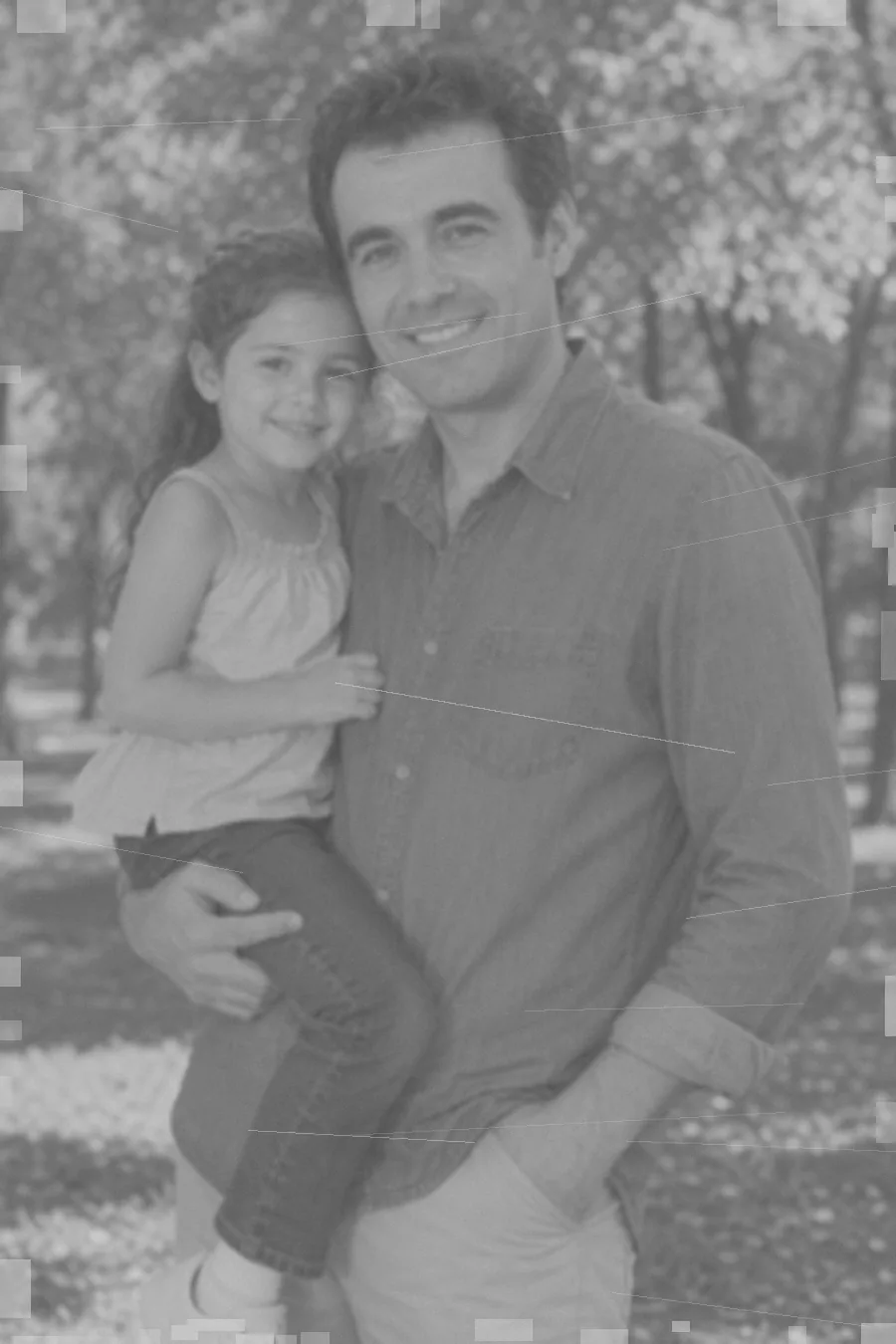
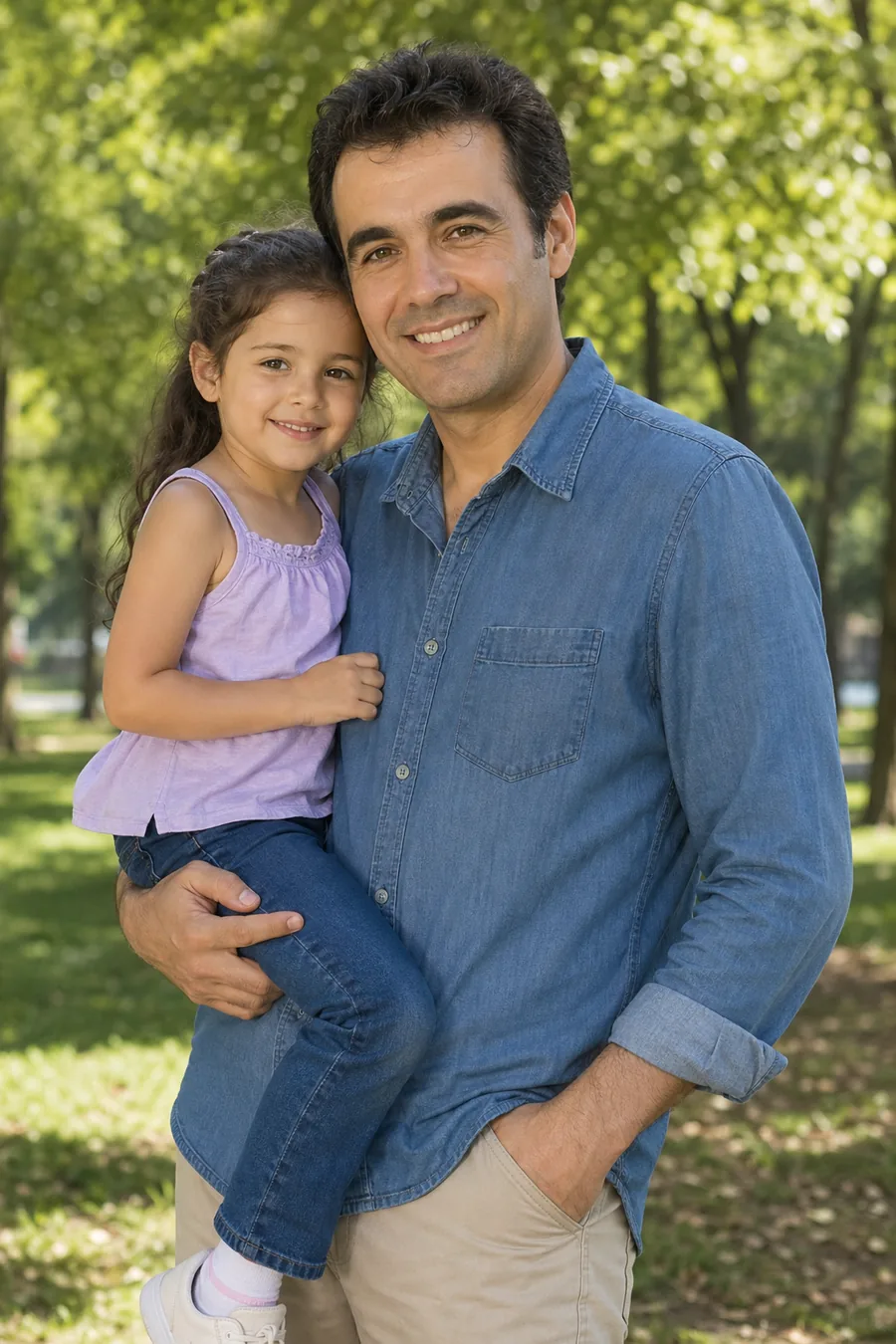
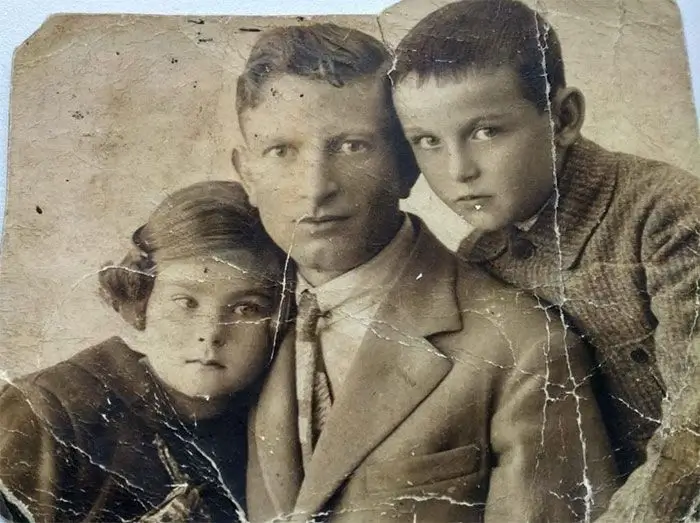
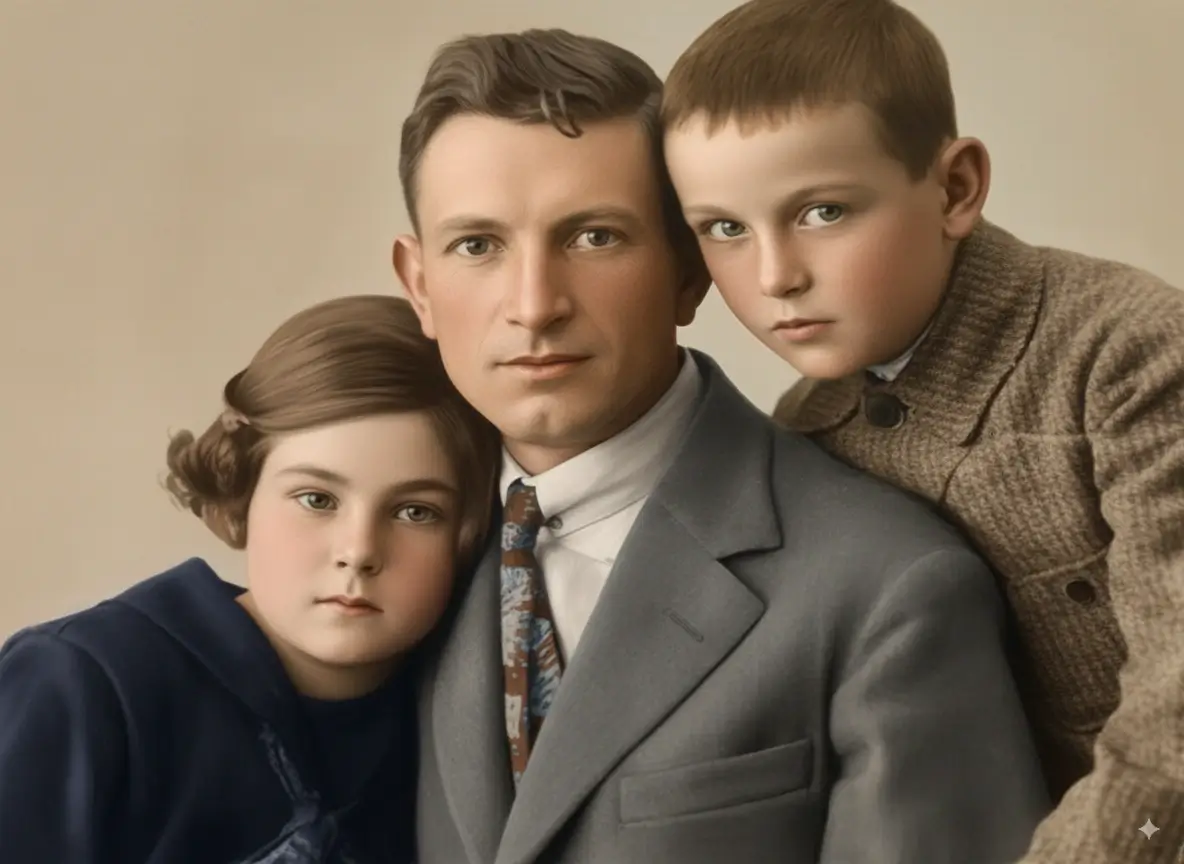
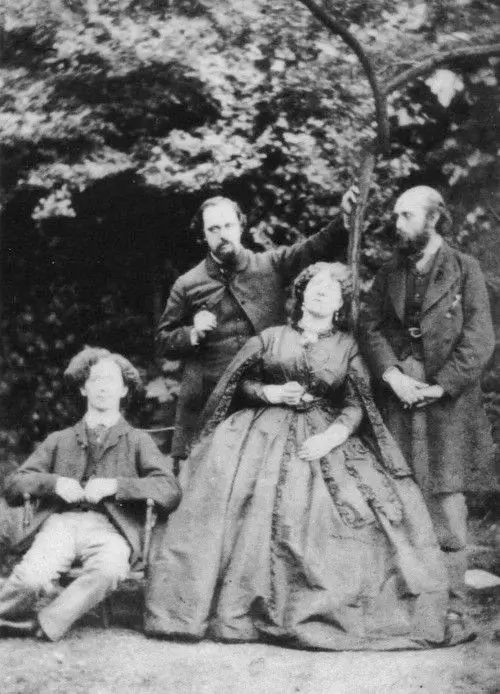
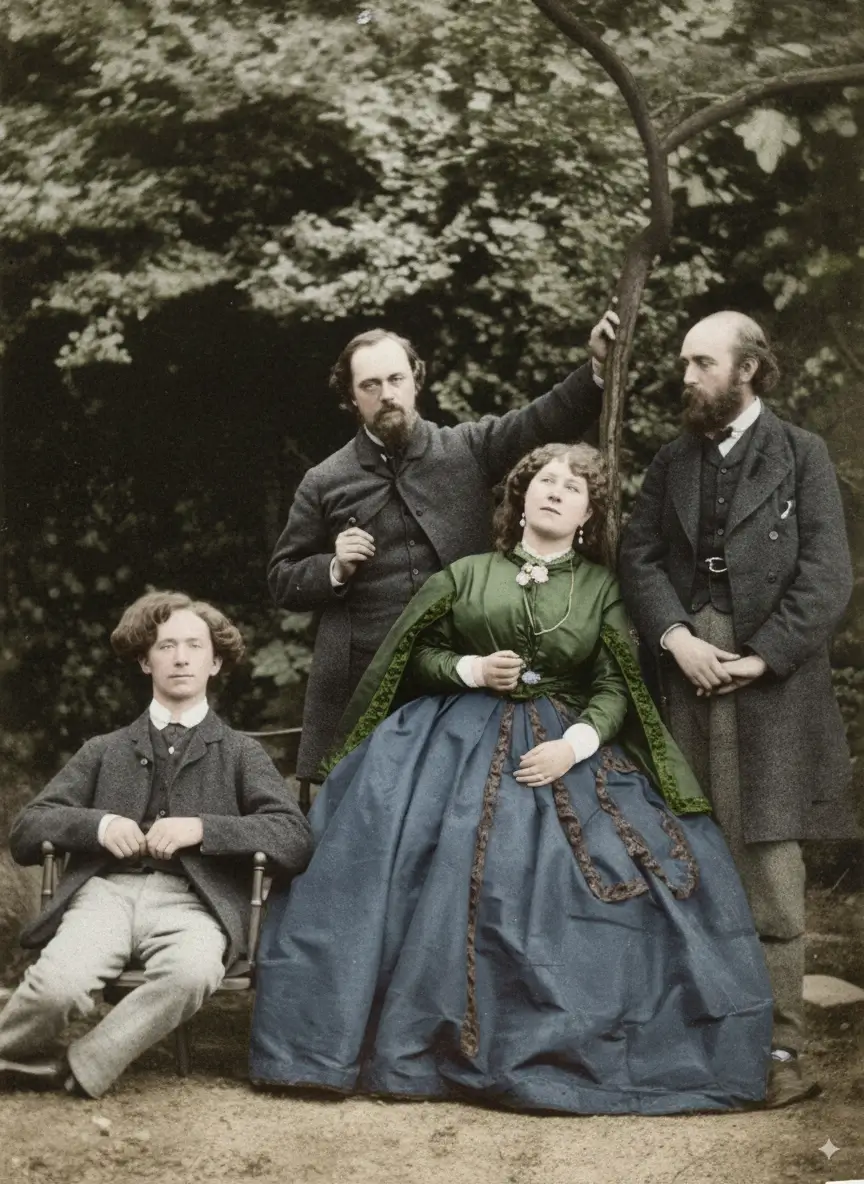
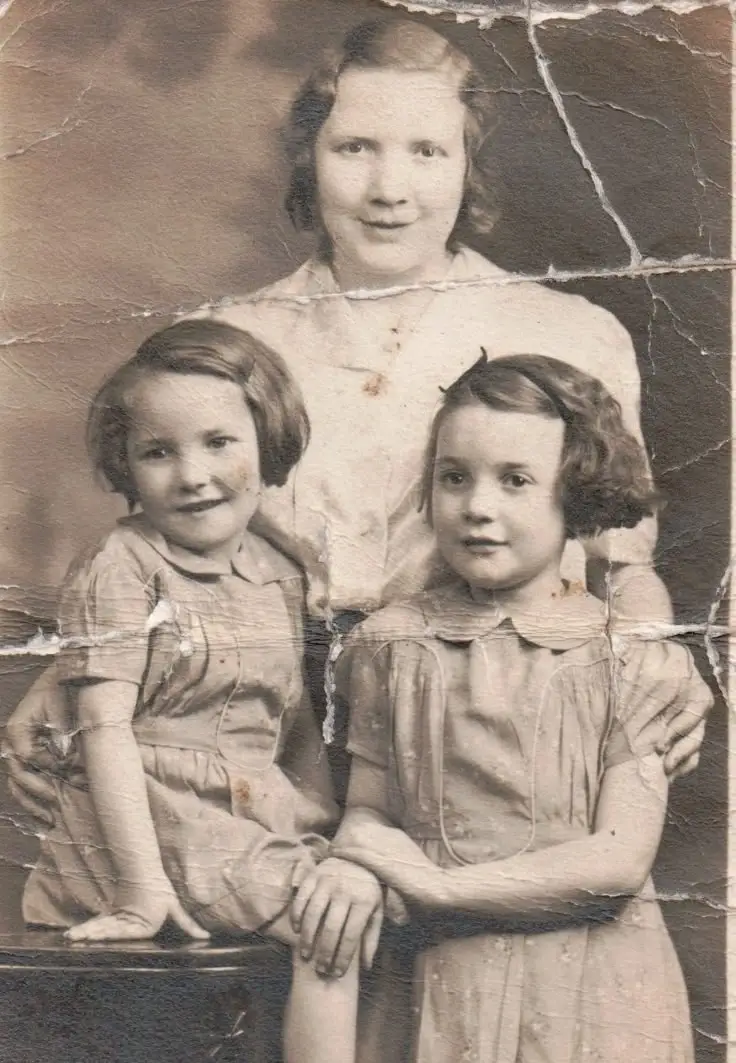
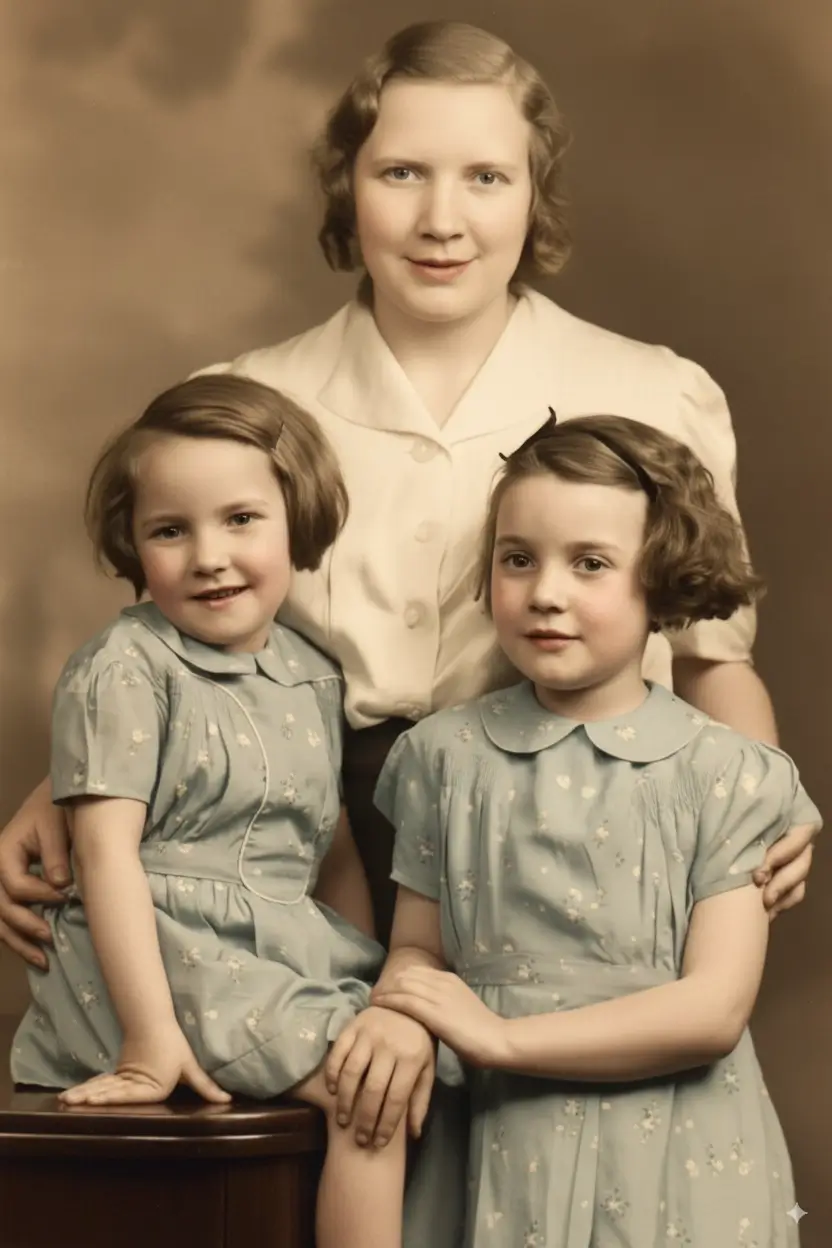
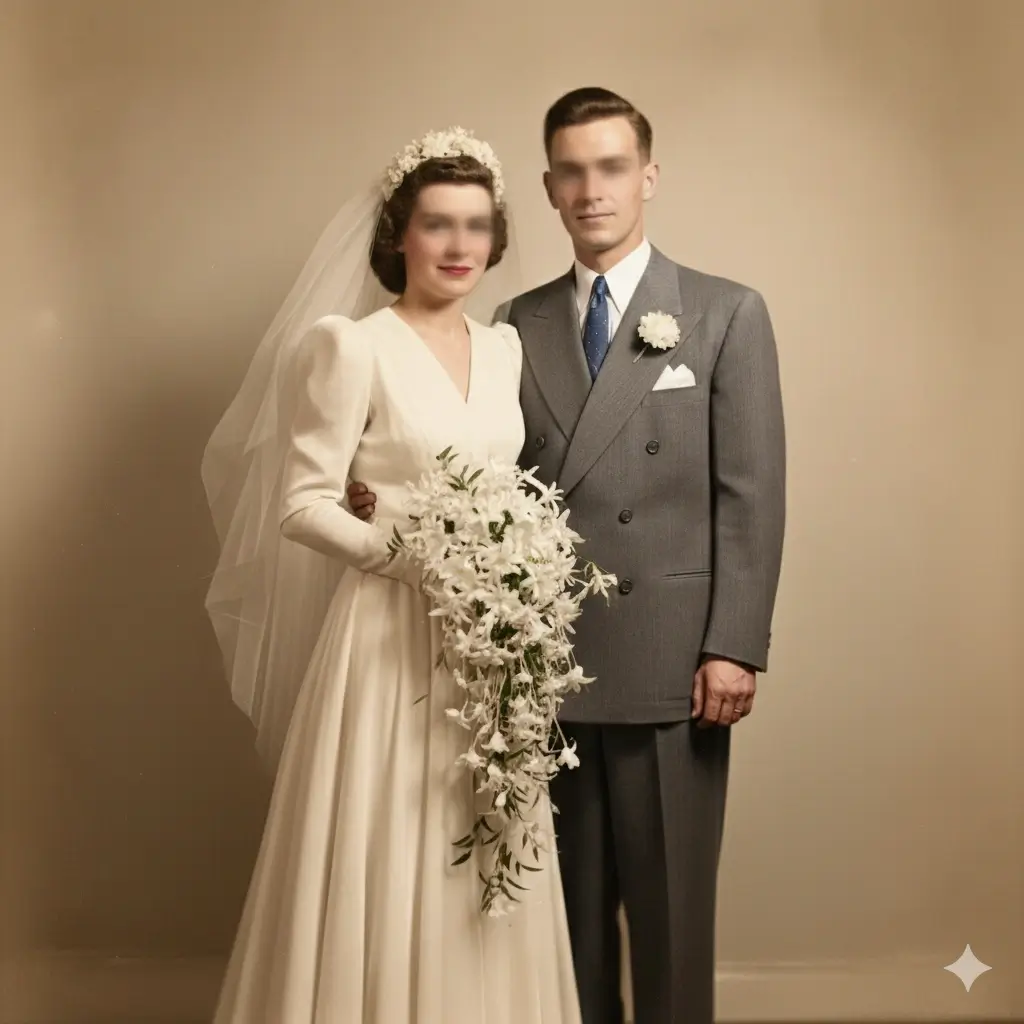
Before & After Old Photo to New Photo Examples
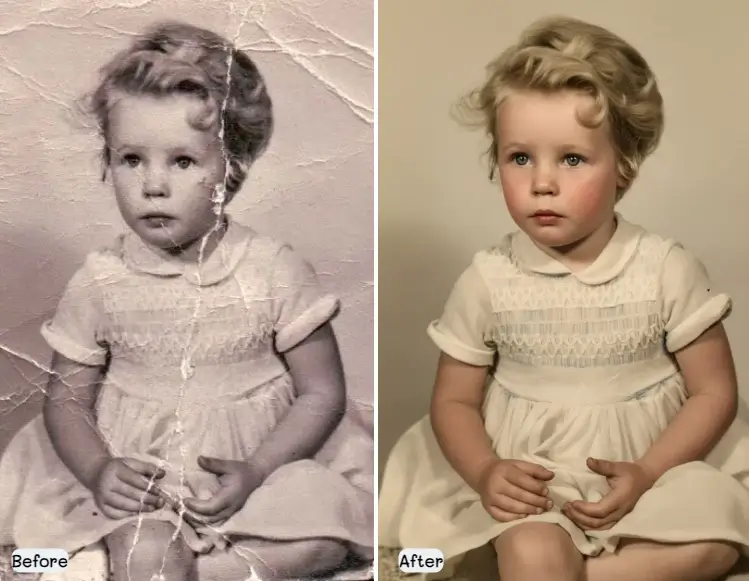
See how this old photo to new photo workflow handles the problems people care about most: fading, scratches, weak contrast, soft faces, and worn paper damage.
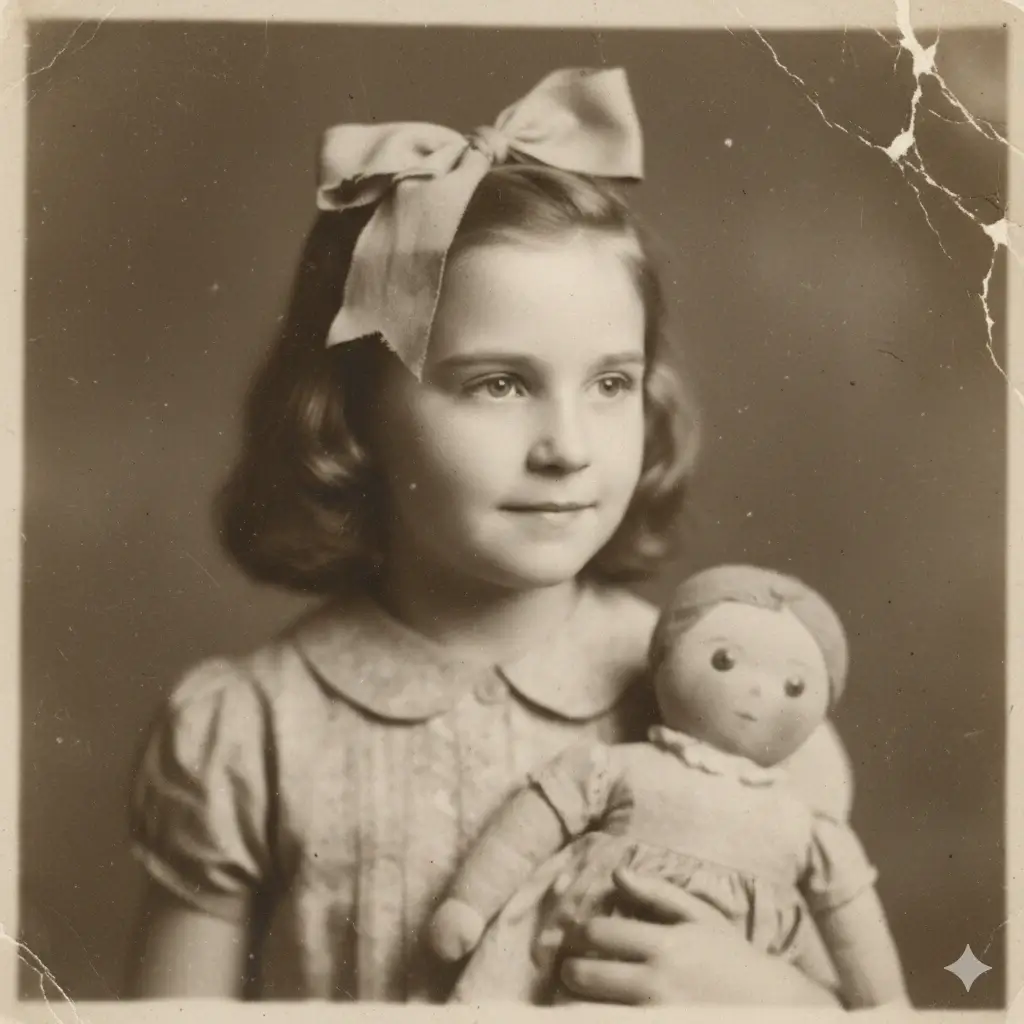
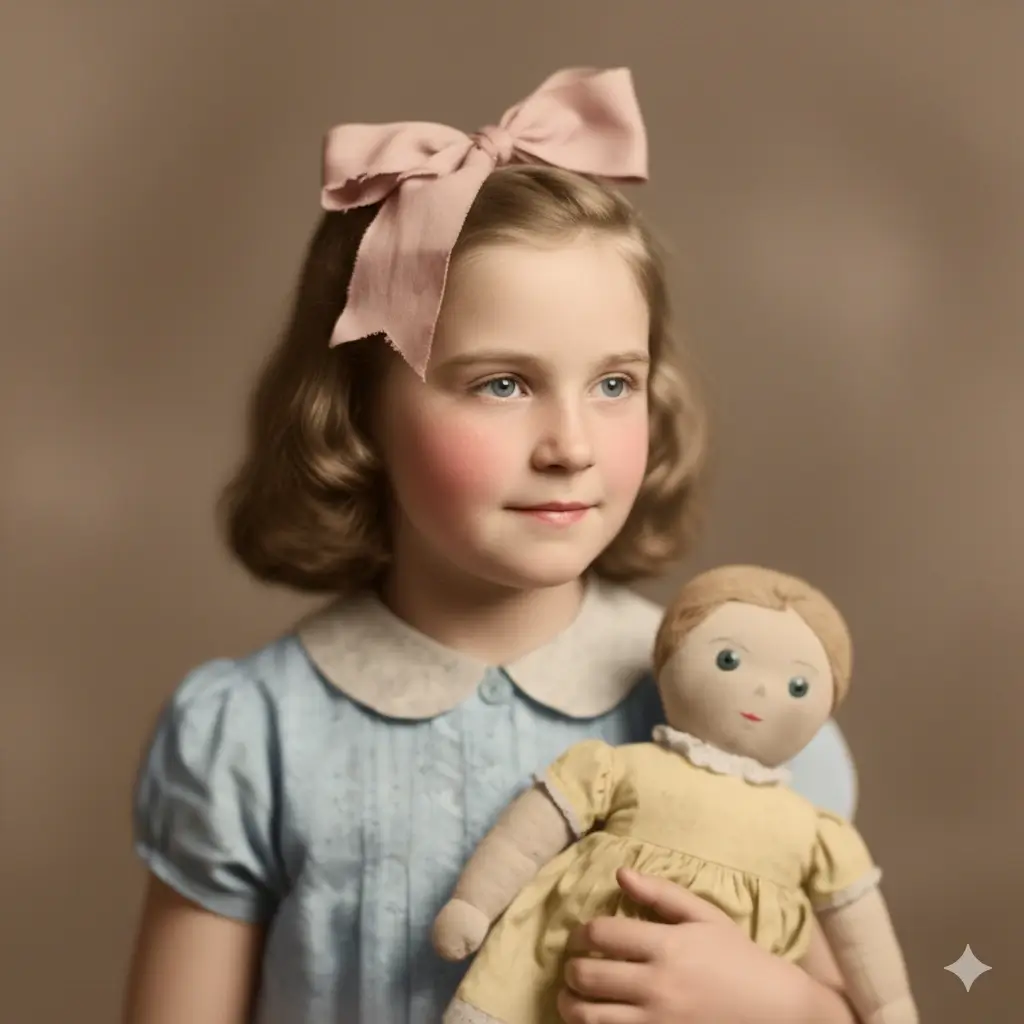
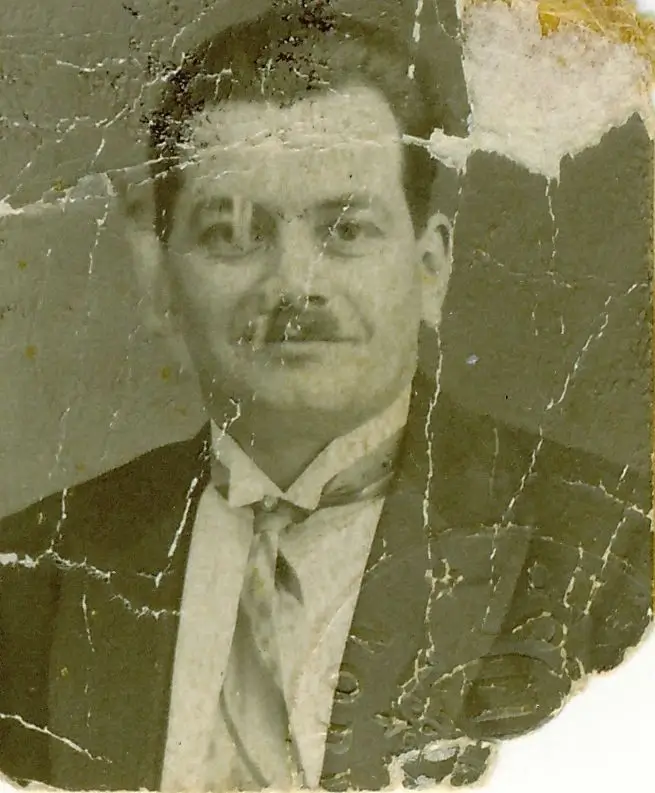

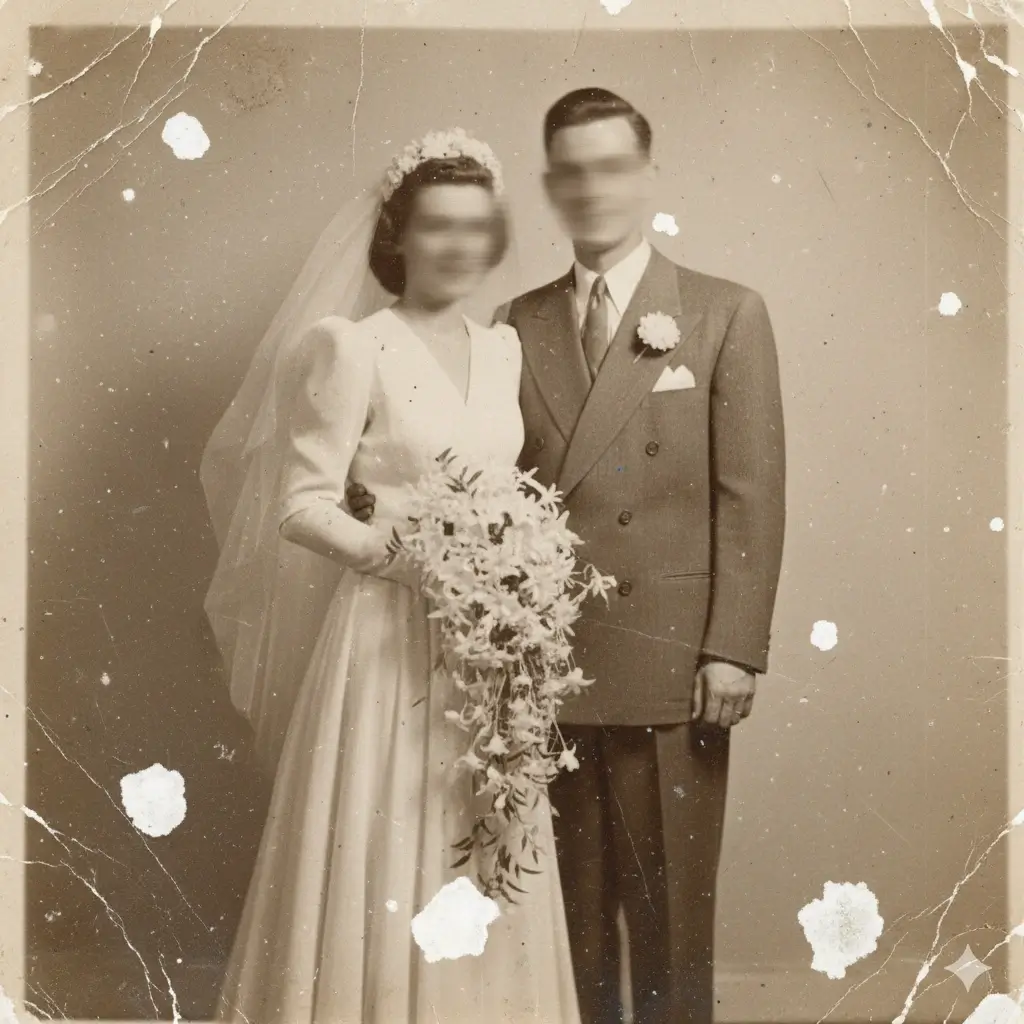
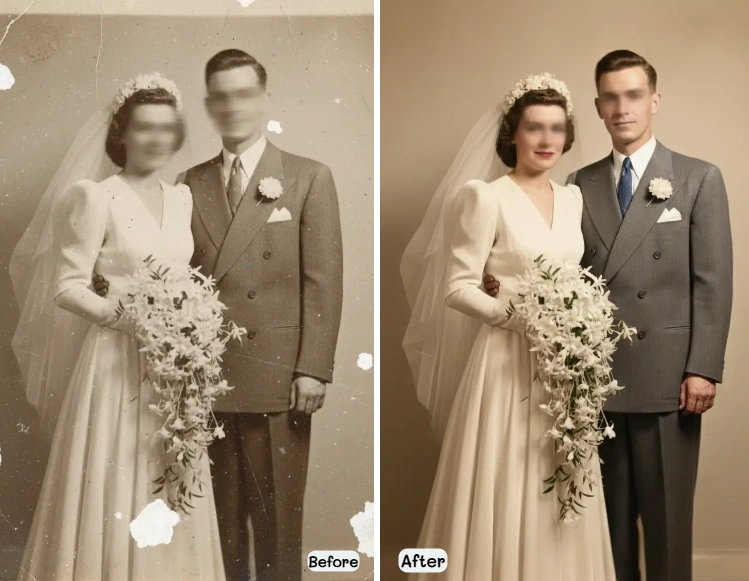
What Does Old Photo to New Photo Really Mean?
Most people who search for old photo to new photo are not asking for an unrealistic rewrite. They usually want a familiar memory to look readable again. In practice, old photo to new photo means repairing visible age damage, improving clarity, recovering lost contrast, and sometimes restoring natural color so the image feels alive again. A useful tool should help you make old photos look new again without erasing the original expression, body language, and emotional tone that made the picture worth saving in the first place. That is why this page focuses on restoration first and over-processing second.
Restore What Time Took Away
The strongest old photo to new photo results come from repairing scratches, stains, faded tone, and weak detail together instead of treating them as isolated defects.
Keep the Same Person in the Frame
When you convert old photo to new quality, the goal is not to invent a different face. The best result still feels like the same person your family remembers.
Make the Image Easier to Use Again
A cleaner file is easier to archive, print, message to relatives, add to a memorial project, or include in a family history collection.
How to Convert Old Photo to New Online
This old photo to new photo workflow is built for people who want a straightforward result without opening Photoshop or learning manual retouching.
Upload Your Old Photo
Upload a flatbed scan or a clean phone photo of the print. Family portraits, album photos, wedding pictures, and faded keepsakes are all strong candidates.
Pick the Right Mode
Balanced works for most photos. Fidelity is safer when you want the old photo to new photo result to stay especially close to the original face. Creative can recover stronger detail from heavier wear.
Let AI Repair and Enhance
The tool repairs scratches, fading, low contrast, soft detail, and other visible wear so the picture looks cleaner, clearer, and more complete.
Review and Download
Compare the old photo with the new-looking result, then download the restored version for sharing, printing, or digital backup.
Why Use This Old Photo to New Photo Tool
People searching for old photo to new photo usually care about speed, ease, and emotional accuracy more than advanced editing controls. This page is designed around that intent.
This is not just a generic enhancer. The old photo to new photo workflow is shaped around the kind of prints people actually upload: faded portraits, scratched album photos, low-contrast wedding pictures, and worn scans from old family boxes. Those images usually need several small repairs at once before they look new again.
Most users do not want clone stamping, masking, or layer-by-layer cleanup. They want a practical way to convert old photo to new digital quality online, compare the before and after, and keep moving. This page is built for that direct outcome.
A good old photo to new photo AI result should not feel plastic or overedited. It should feel like the same memory, only easier to see. That is why the Fidelity option matters when the family connection and facial identity are the most important part of the image.
How to Prepare an Old Photo Before You Make It Look New Again
Better input usually means better output. If you want the old photo to new photo result to look natural, start by giving the tool a cleaner and more detailed source file.
Use a Flatbed Scan When Possible
A flatbed scan is usually the best starting point because it captures more stable detail and avoids the glare, tilt, and perspective problems that often come with casual phone photos.
Aim for About 600 DPI
For most household photo restoration projects, around 600 DPI is a strong default. It gives the tool more real detail to work with when you want to restore old photo to new photo quality.
Scan in Color Even for Black-and-White Prints
Color scanning can preserve subtle stains, tonal differences, and paper discoloration that help the restoration process separate true damage from image content.
Keep One High-Quality Master Copy
If possible, save the original scan as PNG or TIFF before you upload. That gives you a cleaner master file if you later want to reprocess, print larger, or archive the picture.
Old Photo to New Photo Features
Everything you need to turn an old photo into a cleaner, clearer, new-looking image without leaving the browser.
Combined Restoration and Enhancement
Instead of treating your file as only blurry or only damaged, this workflow improves the full image so old photo to new photo feels like one complete result.
Identity-Friendly Restoration Modes
Use Fidelity when you want to keep faces and expressions especially close to the original print while still improving visibility and clarity.
Fading, Scratch, and Detail Recovery
The most common old family photo problems often appear together. This page is built to handle fading, surface damage, and soft detail in the same pass.
Fast Online Workflow
You can convert old photo to new quality in seconds instead of spending an hour in desktop software before seeing the first usable preview.
Ready for Sharing or Printing
A cleaner restored file is easier to send to relatives, add to a remembrance slideshow, include in a photo book, or print as a gift.
Works for Scans and Phone Captures
A good flatbed scan is still best, but this page also supports photographed prints when you need a quick way to rescue family memories from albums or frames.
What to Expect from Old Photo to New Photo AI
The most trustworthy page is not the one that promises magic. It is the one that tells you where the tool works best and where the source image still matters.
Best for Photos with Recoverable Structure
The strongest results come from prints that are worn but still contain enough facial shape, texture, and scene information for the model to rebuild a cleaner version.
Heavy Missing Areas Can Still Be Difficult
If large sections of a face, background, or clothing are completely gone, the first AI pass may improve the image a lot, but not perfectly. Severe losses still have limits.
New-Looking Does Not Mean Artificial
The best **make old photos look new again** result is usually subtle. Cleaner skin texture, stronger contrast, and sharper edges often look better than an aggressive makeover.
Digital Repair Does Not Replace Original Care
This tool restores the digital image. You should still store the original photo carefully after scanning, especially if it is brittle, wet, stuck to glass, or historically important.
Old Photo to New Photo FAQ
These are the questions people usually ask before they try to make old photos look new again online.
Can AI really turn an old photo to new photo quality?
Yes. AI can often turn an old photo to new photo result by combining cleanup, repair, and enhancement in one workflow. In practical terms, that means reducing scratches, improving faded tone, recovering sharper detail, and making the image feel more usable again. The best results happen when the original scan still contains enough real information for the tool to rebuild from.
What does convert old photo to new actually mean?
It usually means making the picture look cleaner, clearer, and less worn, not replacing the memory with something artificial. When people search for convert old photo to new, they usually want better contrast, better facial visibility, less damage, and a file that is easier to print or share.
Will the restored result still look like the original person?
That is the goal. If identity matters most, use Fidelity Mode so the output stays closer to the original face, expression, and character of the print. A strong old photo to new photo result should feel familiar, not fabricated.
Can this old photo to new photo tool fix scratches and blur at the same time?
Yes. Real old photos often have more than one problem, so the workflow is built to handle scratches, faded tone, weak contrast, and soft detail together. That combined intent is one reason an old photo to new photo AI page makes sense as its own landing page instead of only a single-function tool.
Should I scan the photo before uploading it?
Yes, if you can. A flatbed scan usually gives better old photo to new photo results because it preserves more detail and avoids glare. Phone photos can still work when the print is flat, evenly lit, and photographed straight on.
What is the best DPI for making old photos look new again?
For most home projects, around 600 DPI is a strong default. It captures enough detail for restoration without becoming unnecessarily difficult to manage. Very small prints may benefit from even higher scanning density.
Can I restore black-and-white family photos too?
Yes. Black-and-white prints can still benefit from the old photo to new photo process because clarity, contrast, stain removal, and damage repair are often just as important as color. If you later want color, that can be a separate step.
Can I print the result after I make old photos look new again?
Yes. One of the main reasons people use an old photo to new photo online tool is to create a file that is easier to print, frame, share with relatives, or save into a family archive. Keep the original scan too, so you have both the source file and the restored version.
Turn Your Old Photo
into a New-Looking Memory
Upload a faded or worn family picture, restore the important details with AI, and keep a cleaner version ready for sharing, archiving, or printing.