
Restore Images Online with AI
Repair faded, scratched, blurry, and low-resolution images in a few clicks. Use this image restoration tool to bring back useful detail while preserving the look of the original photo.
Drag & Drop Your Image
to Restore
Supports JPG/JPEG, PNG, WebP, and TIFF files up to 20MB
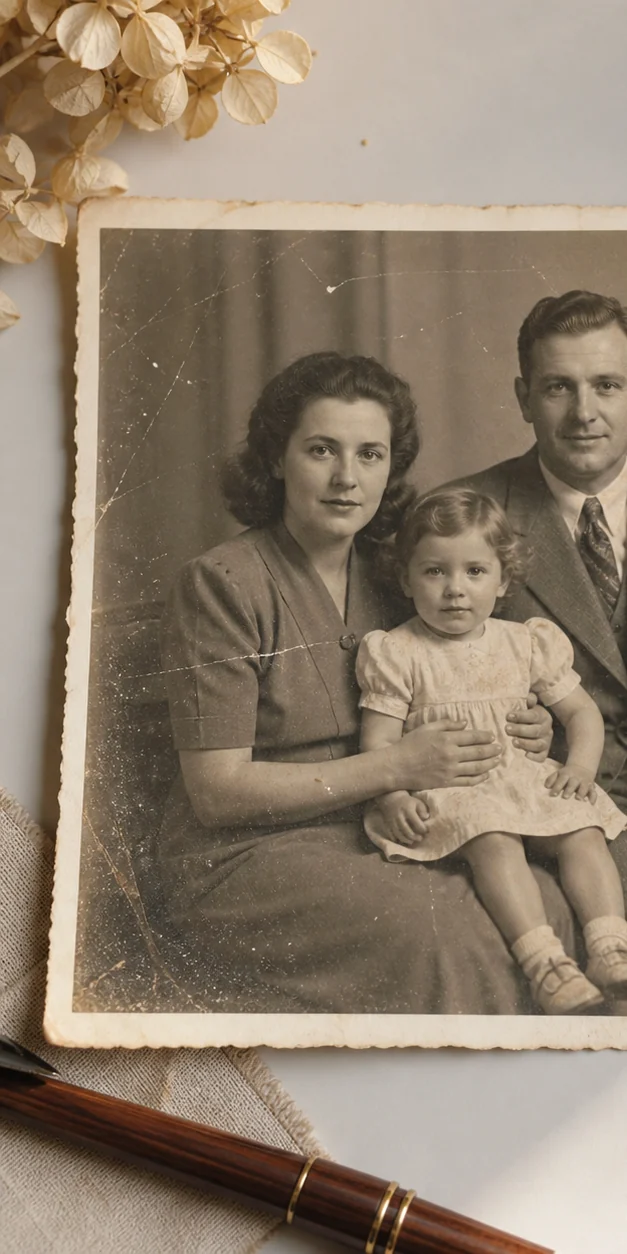
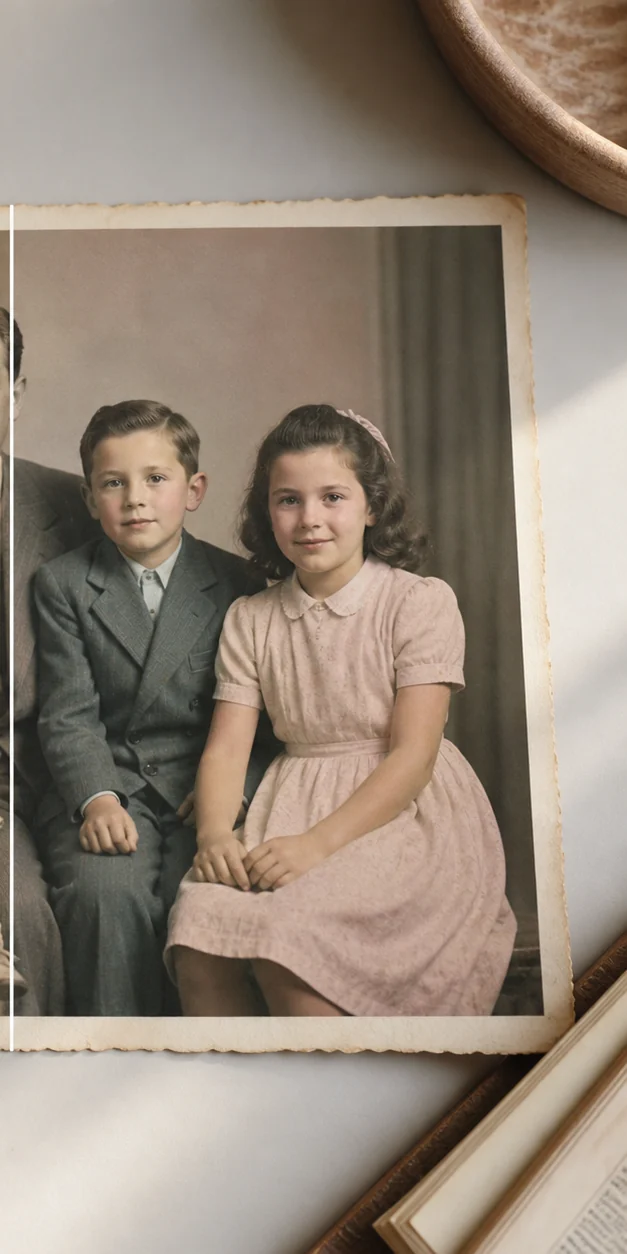
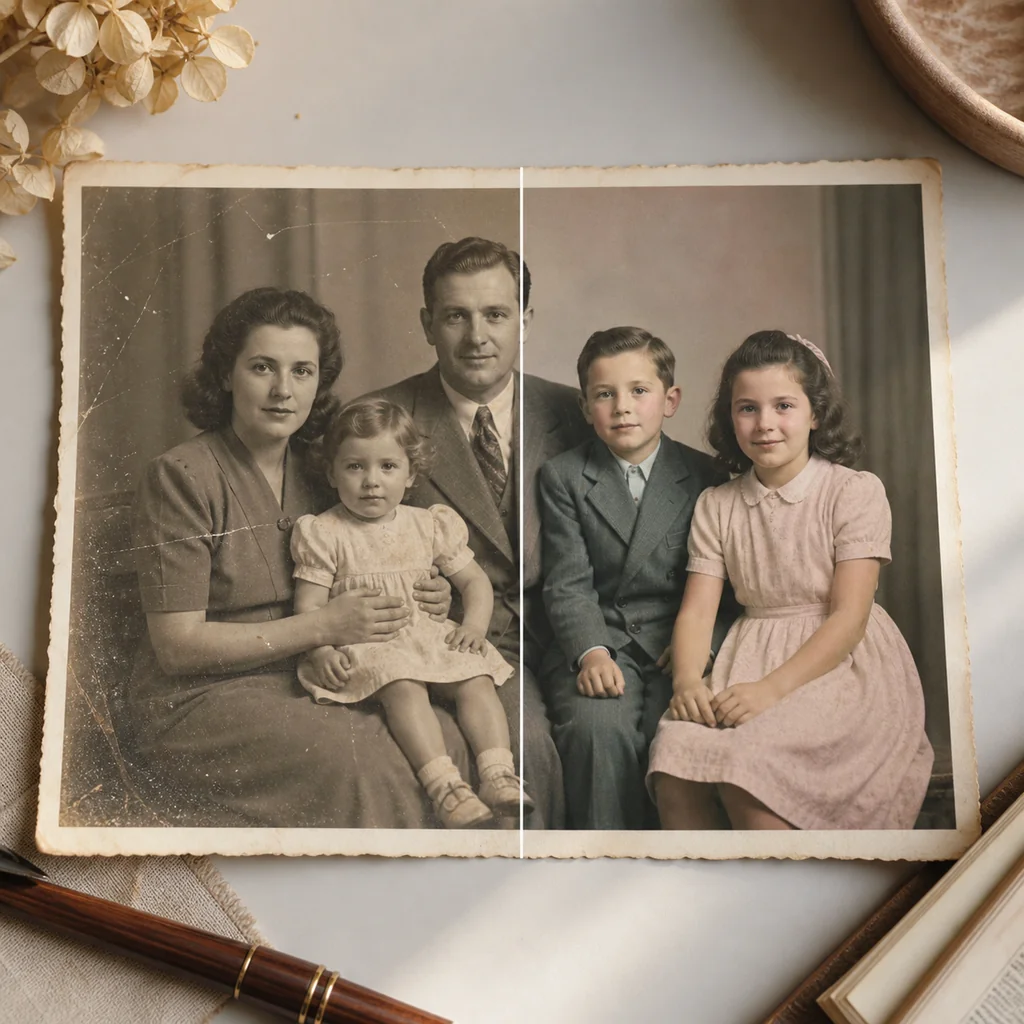
Image Restoration Before & After
Compare how AI image restoration improves faded, damaged, blurry, and low-resolution images while keeping the original character visible.
What Is Image Restoration?
Image restoration is the process of recovering visual quality from an old, damaged, faded, or low-resolution image. Our AI image restoration tool can reduce common defects, recover visible detail, and produce a cleaner version for sharing or printing.
Repairs Common Damage
Reduce scratches, dust, blur, fading, and uneven contrast in one guided workflow.
Keeps the Original Character
Balanced processing improves clarity without turning every photo into an artificial-looking image.
Works in the Browser
Upload an image from a desktop or phone and restore it without installing editing software.
A Practical Image Restoration Workflow
Use AI to handle the repetitive cleanup first, then decide whether the restored image is ready for a family album, a print, a research project, or a social post.
Get a useful preview quickly instead of manually adjusting every scratch, faded area, or soft edge.
Try the workflow on scanned documents, family portraits, postcards, and other images that need cleanup.
Compare before and after results, look closely at faces and fine detail, and download only when the result looks right.
How to Restore an Image Online
Follow these steps to test AI image restoration in your browser.
Upload an Image
Choose a JPG, PNG, WebP, or TIFF image, or drag it onto the upload area.
Choose a Mode
Use Balanced for a general restoration, Fidelity to stay close to the source, or Creative for stronger detail recovery.
Review the Preview
Compare the restored result with the original and check faces, text, edges, and small details.
Download the Result
When the result meets your needs, download the restored image for editing, printing, or sharing.
Common Image Restoration Use Cases
Image restoration works best when the source still contains some visible information for the model to enhance.
Faded Family Photos
Improve contrast and clarity in scanned prints, portraits, and family album images.
Scratches and Dust
Clean up common surface damage before you archive, print, or share the image.
Soft or Small Images
Make low-resolution or slightly blurry images easier to inspect and reuse.
Image Restoration Features
The tool is designed for common restoration tasks without requiring advanced photo-editing skills.
AI Detail Recovery
Improve visible structure in soft, faded, or low-resolution images with an automated restoration pass.
Damage Cleanup
Reduce the appearance of dust, scratches, noise, blur, and uneven exposure in one workflow.
Three Processing Modes
Choose a balanced result, closer source fidelity, or stronger creative detail recovery.
Desktop and Mobile Ready
Use the responsive browser interface on a computer, tablet, or phone.
Multiple Image Types
Start with common JPG, PNG, WebP, or TIFF files up to 20MB.
Before and After Review
Use the comparison view to judge whether the restoration keeps the details you care about.
Choose the Right Photo Tool
Use a focused tool when your image needs a specific type of repair.
Image Restoration Frequently Asked Questions
Answers about AI image restoration, supported files, and choosing the right workflow.
What is image restoration?
Image restoration improves a damaged, faded, blurry, or low-resolution image by reducing visible defects and recovering useful detail. It can help with old photos, scans, postcards, and other images, but it cannot reliably recreate information that was never captured.
Is this an AI image restoration tool?
Yes. The browser tool uses an AI-assisted restoration workflow to analyze the uploaded image and create a cleaner version. Review faces, fine text, and edges before using the result for important archival work.
Can I restore an image online for free?
You can upload an image and test the online workflow without installing software. Account and credit requirements may apply when you generate or download results, depending on the current service settings.
Which files are supported?
The tool accepts JPG/JPEG, PNG, WebP, and TIFF images up to 20MB. For the best result, start with the highest-quality scan or original file available.
Can image restoration fix every damaged photo?
No. Restoration can improve visible patterns and common defects, but heavily missing, overexposed, or severely blurred information may remain uncertain. Always compare the result with the source.
What is the difference between image restoration and photo colorization?
Image restoration focuses on clarity, damage, noise, and missing visual detail. Colorization adds color to a grayscale image. You can use the relevant tool depending on the main problem you want to solve.
Try Image Restoration Online
Upload an image and see whether AI restoration can recover the detail you need.